Small business owners handle dozens of tasks every day. Customer replies, social media posts, SEO updates, invoices, website edits, and content planning can quickly become overwhelming. That’s exactly why the best free AI tools for small business owners are helping online businesses save time, simplify work, and stay productive in 2026.
AI tools are becoming part of daily business workflows in 2026. Growing brands now use artificial intelligence for content writing, SEO planning, customer communication, automation, graphic design, website management, and productivity tasks. The best free AI tools for small business owners help reduce repetitive work while keeping costs manageable for freelancers, ecommerce sellers, creators, consultants, and growing online businesses.
A few years ago, AI tools sounded technical and intimidating. Now they quietly sit inside apps people already use every day. Startups are using AI to save time, organize tasks, improve work output, and reduce repetitive work without hiring huge teams. Many useful tools still offer free plans that genuinely help businesses before they spend money on advanced subscriptions.
If you already run your own website, you can also explore Free AI Website Builders 2026 on The Digital Priyanka (TDP) to compare easy-to-use AI website platforms for growing online businesses.
Why Best Free AI Tools for Small Business Owners Matter in 2026
Business owners now wear multiple hats daily. A freelancer may handle marketing, invoices, content writing, and customer support alone. Similarly, a local store owner may manage online orders, Instagram posts, and supplier communications simultaneously. That workload becomes exhausting quickly.
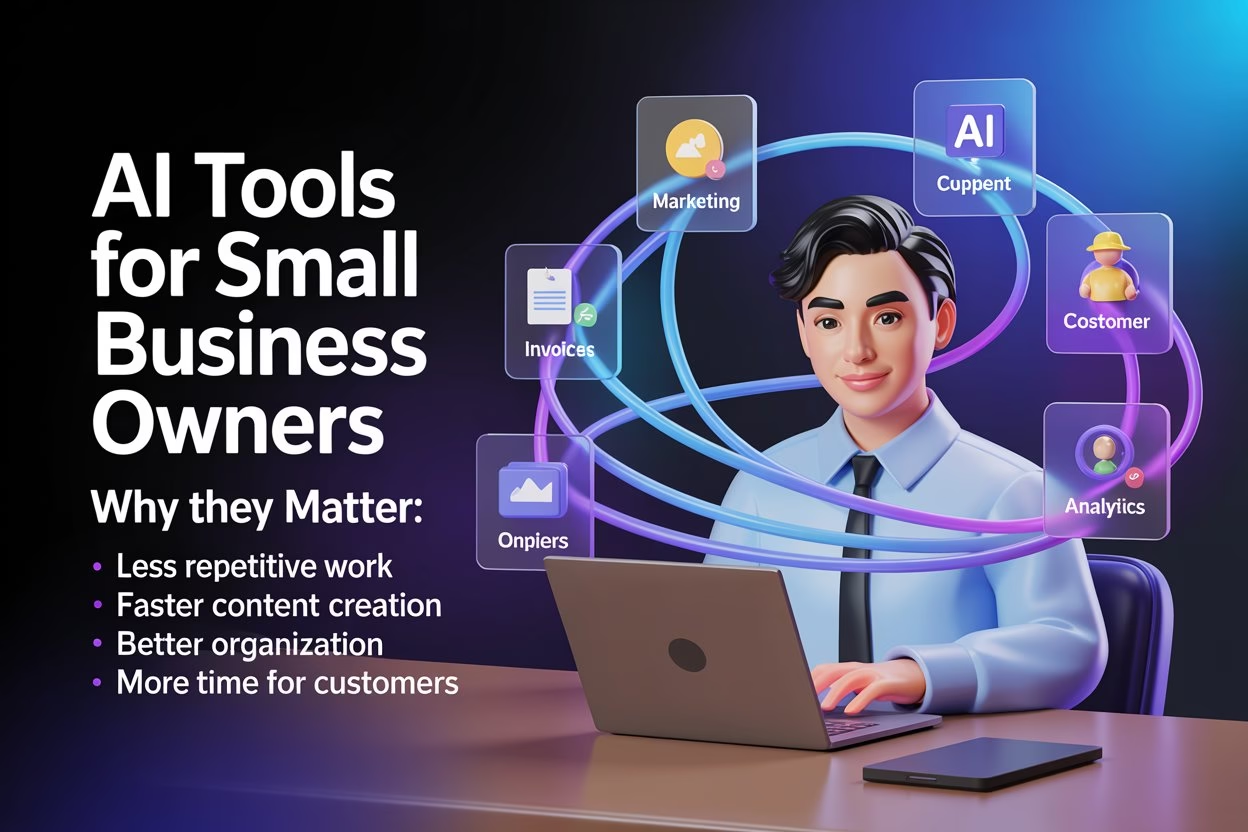
Modern AI tools are helping simplify many of those daily responsibilities. In fact, many companies now use artificial intelligence to improve productivity, automate workflows, and support daily operations. Instead of replacing human creativity, they support faster workflows and better organization. As a result, business owners can spend more time on customers and planning rather than on repetitive admin work.
Recent research on AI adoption in businesses shows that companies are increasingly using AI tools to improve productivity, automate workflows, and manage operations more efficiently across different industries.
AI tools are helping businesses:
- Save time on repetitive daily tasks.
- Create content more regularly.
- Organize workflows without large teams.
- Improve online reach with less stress.
ChatGPT Helps Small Businesses Create Content Faster
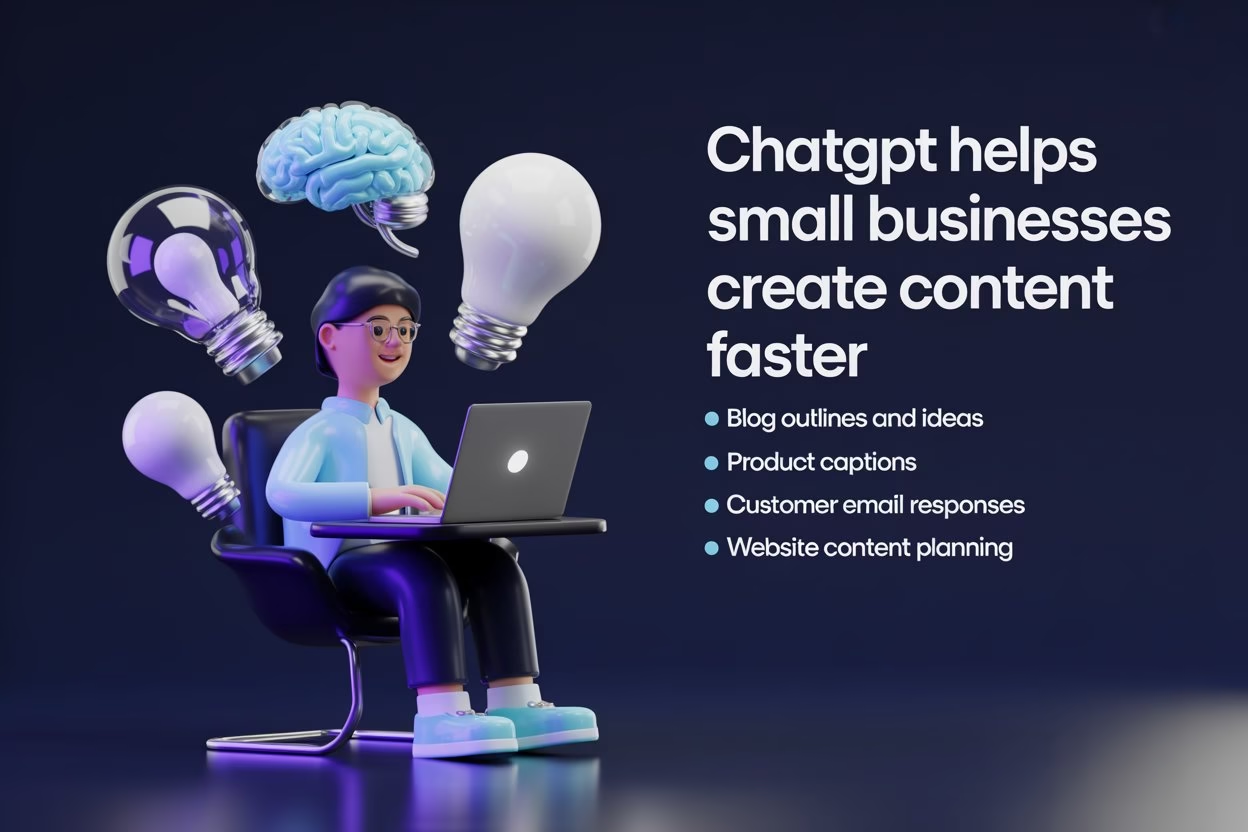
Content creation drains energy for many startup businesses. One café owner may need Instagram captions. A freelancer may need proposal drafts. Meanwhile, a coach may need website FAQs and email responses in the same week. That’s where ChatGPT helps simplify things.
Many business owners now use ChatGPT for brainstorming rather than blindly copying AI-generated text. This approach usually creates better results because business owners can review tone, accuracy, and brand voice carefully. AI creates a starting point, while humans improve tone, accuracy, and personality afterward.
One creator explained it perfectly online. He said, “Earlier, I spent two hours staring at blank screens. Now I start with AI drafts and improve them myself.” As a result, that situation feels very relatable for many owners.
For instance, ChatGPT can support:
- Blog outlines and article ideas
- Product descriptions and captions
- Customer email responses
- Website content planning
Google also explains responsible AI development and practical AI systems through Google AI Resources, especially for businesses exploring AI-powered productivity tools.
If content planning still feels messy, Small Business Website Without Coding on TDP explains how smaller websites can stay organized without technical confusion.
Canva AI Simplifies Everyday Design Work
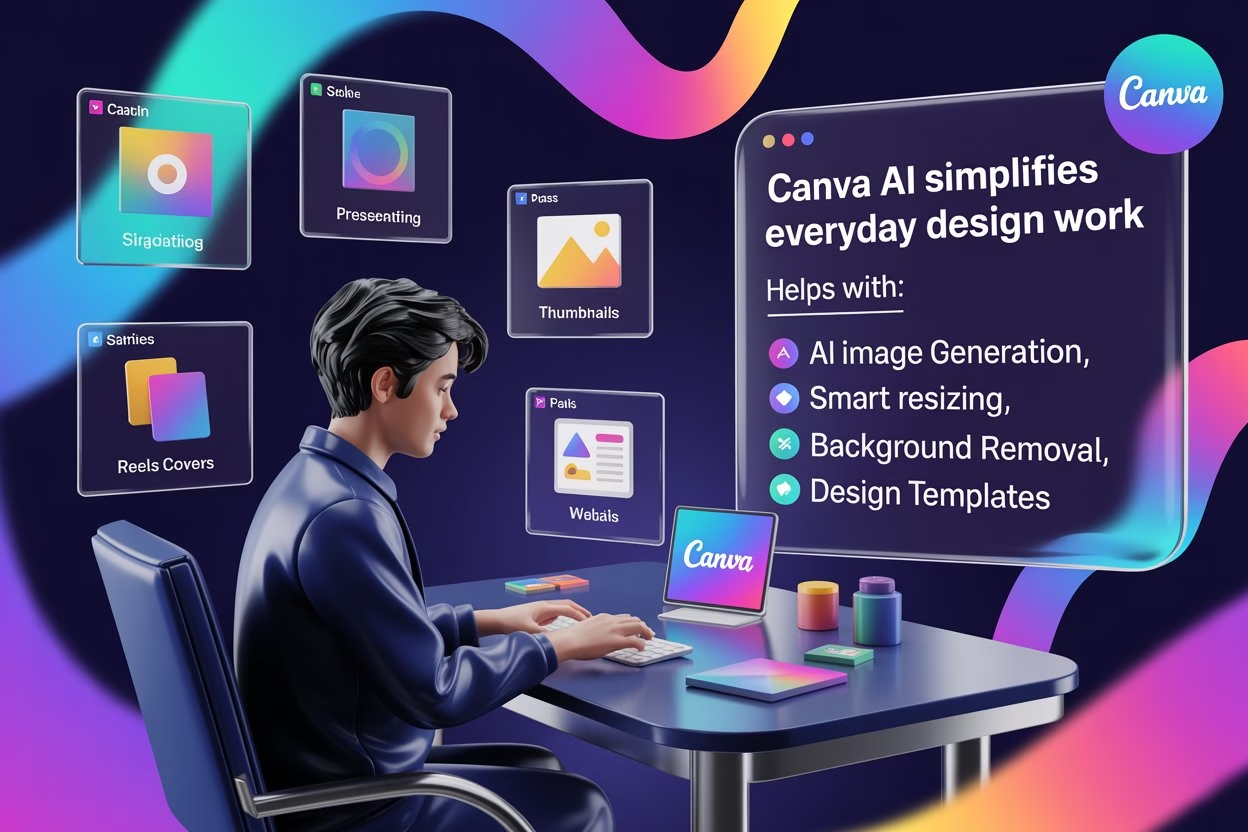
Design work often slows businesses down because visual content never really stops. One day, it’s a festive offer banner. The next day, it’s a Pinterest image, menu graphic, presentation slide, or YouTube thumbnail. Canva AI quietly helps solve many of these situations.
The platform now includes:
- AI image generation
- smart resizing
- background removal
- text suggestions
- design templates
As a result, business owners can create decent-looking graphics quickly without learning advanced software.
A local bakery owner recently shared a funny experience online: “I opened Canva for one Instagram post and ended up designing my whole menu.” In fact, that happens more often than people admit.
In addition, Canva AI can help with:
- Social media graphics and reels covers
- Product banners and ad creatives
- Website visuals and thumbnails
- Presentations and brochures
Meanwhile, Adobe Express AI also discusses AI-powered creative workflows for creators and businesses managing regular visual content.
AI Website Builders for Faster Business Setup

Website creation changed dramatically after AI website builders entered the market. Earlier, growing brands either hired developers or struggled with confusing editors for weeks. Now, AI website builders ask basic questions and generate starter websites automatically.
Platforms like:
- Wix AI
- Hostinger AI Builder
- Durable
- Framer AI
continue growing because they reduce setup stress greatly.
Still, smart business owners review AI-generated website text carefully. Responsive layouts also matter because visitors now browse websites across phones, tablets, laptops, and larger screens. Liquid Web Design 2026: Why Every Screen Flows on TDP explains why flexible layouts improve user experience across devices.
On the other hand, generic wording can make websites sound robotic very quickly. Visitors usually notice that instantly. Therefore, personalization still matters.
Meanwhile, AI website builders can support:
- Faster website setup
- AI-generated layouts and text
- Mobile-friendly website design
- Simpler editing workflows
If you previously used Hocoos, Hocoos AI Website Builder Closed on TDP explains what users should check before shifting to another platform.
Notion AI Keeps Business Work Organized
Small businesses often lose time because information stays scattered everywhere. Customer notes hide inside WhatsApp chats, invoices sit in email folders, and random ideas disappear inside notebooks. Smaller businesses often struggle when information stays scattered across multiple apps and conversations.
Notion AI helps organize projects, calendars, workflows, meeting notes, and business planning inside one dashboard. Consequently, teams and freelancers can track work more clearly without constantly switching between multiple apps.
Additionally, one particularly useful feature is AI summarization. Instead of reading long meeting notes manually, users can create short summaries and action points within seconds.
As a result, Notion AI works especially well for:
- Content planning workflows
- Team collaboration and tracking
- Meeting notes and summaries
- Organizing SOPs and business systems
Studies on automation and workflow efficiency show that organized systems can reduce daily work overload and improve productivity for smaller teams.
AI SEO Tools for Content Planning and Visibility
SEO still feels intimidating for many website owners. Keywords, indexing, search intent, schema, and technical SEO can overwhelm beginners within minutes. However, modern AI SEO tools simplify several parts of the process.
Platforms like:
- RankMath AI
- Ubersuggest
- ChatGPT
- Surfer alternatives
help businesses organize keyword ideas, improve headings, structure articles, and optimize readability.
Of course, AI tools cannot magically rank websites overnight. Still, they can reduce research time and improve content planning noticeably. That support matters for startups managing websites independently. Google’s SEO Starter Guide explains how website structure, content quality, and usability influence search visibility.
AI SEO tools can help with:
- Blog topic research
- Keyword organization
- Meta description writing
- Readability improvements
Google’s guidelines for people-first content explain why websites should focus on useful, reliable information written primarily for readers.
If search visibility still feels confusing, 15 Best SEO Tips 2024 on TDP explains practical SEO improvements for growing websites.
Zapier AI Reduces Repetitive Work
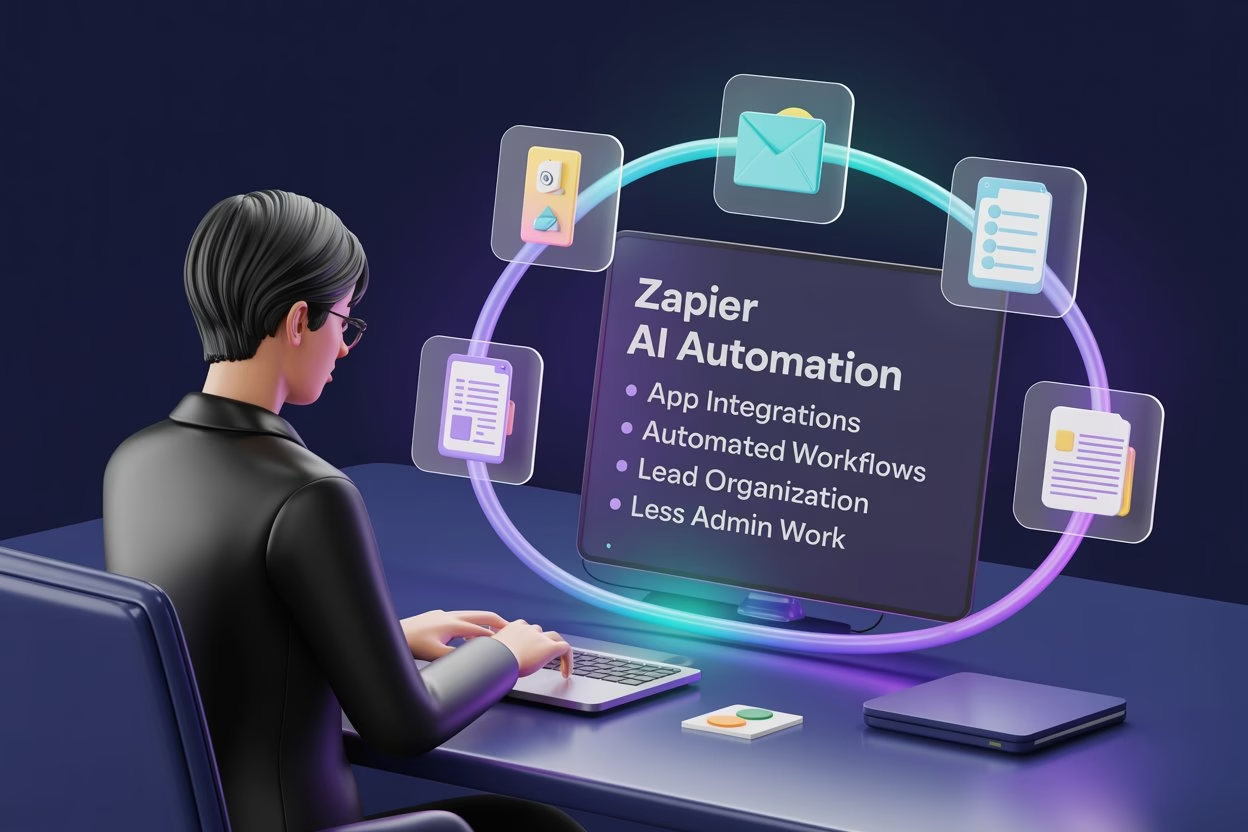
Repetitive admin tasks quietly consume hours every week. One task seems tiny, then suddenly three hours disappear updating spreadsheets, organizing forms, copying customer details, and sending repetitive emails.
Meanwhile, Zapier AI helps automate those workflows by connecting apps.
For example:
- website form → Google Sheets
- ecommerce order → CRM
- customer inquiry → email response
As a result, business owners can reduce manual work and improve consistency.
Many beginners assume automation requires coding knowledge. Modern workflow automation systems can simplify repetitive business processes and reduce manual workload considerably. Surprisingly, modern automation tools are becoming much easier every year.
For example, Zapier AI can support:
- App integrations and workflows
- Automated customer processes
- Lead organization systems
- Reduced repetitive admin work
IBM explains how AI workflows help businesses automate repetitive tasks and improve operational speed.
AI Chatbots Improve Customer Support
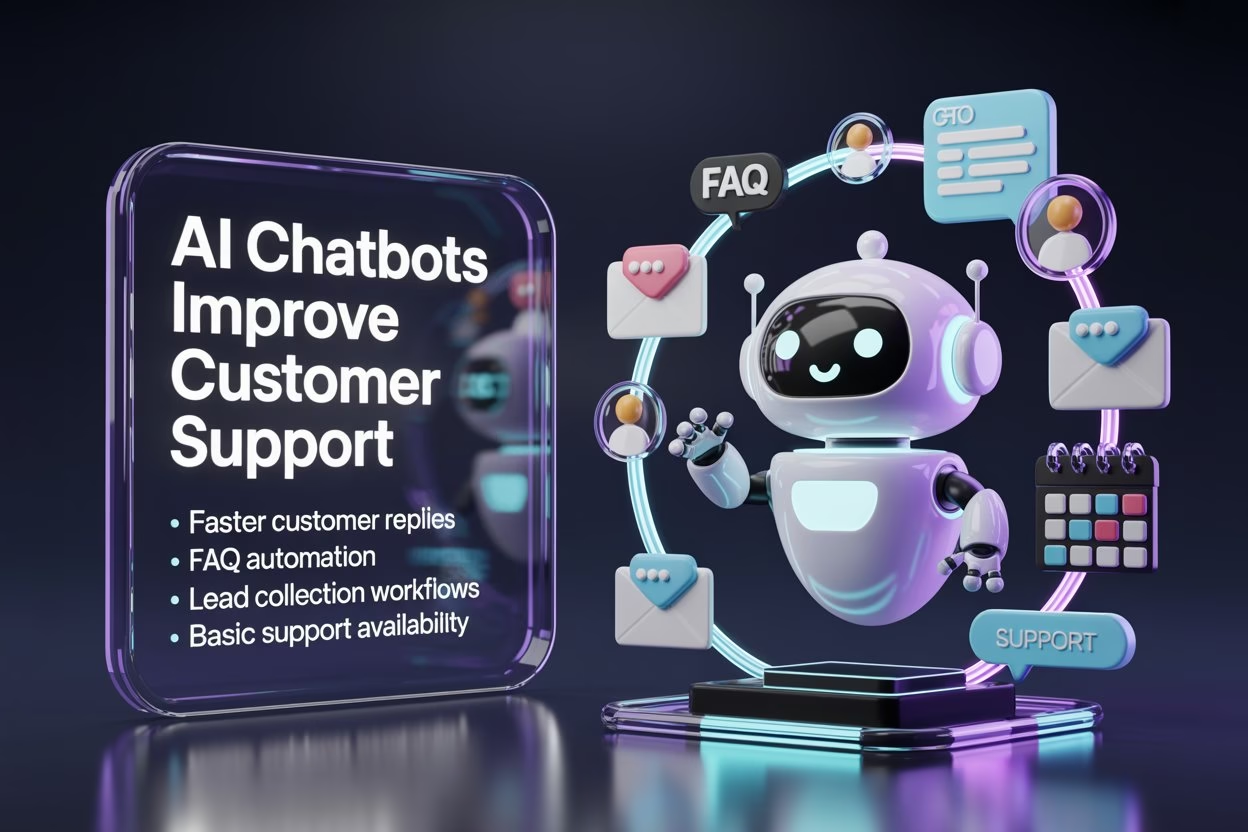
Customer support can become overwhelming when businesses grow online. A single person cannot answer every message instantly throughout the day. That’s where AI chatbots are becoming useful for smaller businesses.
Platforms like:
- Tidio AI
- Intercom AI
- Chatbase
- Drift
help businesses respond faster to basic customer questions.
For example, chatbots can handle:
- opening hours
- order updates
- appointment questions
- FAQ responses
Of course, customers still appreciate human interaction for complicated issues. However, AI chatbots reduce pressure during busy periods and improve response consistency.
Besides that, AI chatbots can support:
- Faster customer replies
- FAQ automation
- Lead collection workflows
- Basic support availability
AI Email Tools Help Businesses Stay Consistent
Email marketing often gets postponed because business owners feel too busy. Then, suddenly, months pass without contacting customers properly. AI email tools now simplify much of that process.
Platforms like Mailchimp AI and Brevo AI assist with:
- subject lines
- email drafts
- audience grouping
- campaign timing
One business owner explained it perfectly: “I knew email marketing mattered, but I kept overthinking everything. AI finally helped me start.”
Many growing businesses experience exactly that situation.
Similarly, AI email tools can help with:
- Newsletter planning
- Promotional campaign drafts
- Audience segmentation
- Subject line suggestions
The U.S. Small Business Administration also shares guidance for entrepreneurs building stronger digital communication and online visibility.
What Small Businesses Should Check Before Using AI Tools

AI tools save time, but blindly trusting every platform creates risks. Some free tools collect large amounts of user data, while others generate inaccurate information very confidently. That catches many beginners off guard.
Business owners should always review:
- privacy policies
- account permissions
- pricing limits
- generated content quality
Besides that, uploading sensitive customer information casually into unknown tools is never a smart idea.
The strongest businesses usually treat AI as support rather than replacement.
Therefore, before using AI tools, check:
- Data privacy policies carefully
- Free plan restrictions and limitations
- Accuracy of generated responses
- Platform reliability and customer support
Match Each Free AI Tool With One Business Task
Free AI tools work better when each tool has a clear job. An entrepreneur may feel tempted to try every new AI platform, but that can waste time quickly. A simpler method is to match one tool with one repeated business task and then check whether it actually makes the work easier.
For example, use one tool for writing captions, one for simple visuals, one for email drafts, and one for planning ideas. This keeps your workflow cleaner and helps you avoid switching between too many platforms every day.
Small businesses can use this simple task-based approach:
- Content writing: Use an AI writing tool for captions, short emails, product descriptions, blog ideas, or ad copy drafts. Always edit the final version so it sounds natural and matches your business voice.
- Visual content: Use AI design tools for social media posts, flyers, banners, or basic promotional graphics. Check every image carefully because AI tools can make mistakes with text, layout, or small details.
- Customer communication: Use AI to draft replies, FAQs, message templates, or follow-up emails. Add real details and a warmer tone before sending anything to customers.
- Planning and organization: Use AI tools to create checklists, weekly content plans, campaign ideas, or simple task lists. Keep only the ideas that match your actual business goals, audience, and available time. If you want broader marketing direction, you can also explore the Digital Marketing guides on The Digital Priyanka (TDP) for SEO, content planning, and traffic growth ideas.
Free AI Tools vs Paid AI Tools
Free AI tools work surprisingly well for learning, testing, and handling smaller workloads. Many businesses honestly do not need expensive subscriptions immediately.
However, paid plans usually provide:
- faster processing
- advanced automation
- higher usage limits
- collaboration features
- premium templates
Instead, the smartest approach usually starts small. Test a few useful tools first. Then slowly upgrade only when workflows genuinely require advanced features.
One beginner mistake happens repeatedly. People subscribe to ten AI tools together and barely use three. That gets expensive very quickly.
In most cases, a balanced setup often works better.
Startups can begin with:
- One writing tool
- One design platform
- One SEO support tool
- One automation system
What Happened After Testing These AI Tools
Testing different AI tools across content, design, automation, and planning tasks revealed that each platform works better for specific business needs rather than trying to handle everything together. Some tools genuinely saved time, while others still required careful human review before publishing content or sending customer communication.
- For example, Canva AI helped speed up graphic creation for blog visuals, Pinterest images, and social media content.
- ChatGPT worked well for outlining articles, brainstorming content ideas, and organizing rough drafts before editing them manually.
- Meanwhile, Zapier AI reduced repetitive admin work by connecting forms, spreadsheets, and email workflows automatically.
- Notion AI also helped organize planning notes, task tracking, and content workflows more clearly inside one dashboard.
However, AI-generated outputs needed editing for accuracy, tone, readability, and business relevance. The strongest results usually came from combining AI support with human creativity, careful review, and practical business understanding. Businesses planning stronger website visibility can also explore practical Digital Marketing guides on TDP for SEO, traffic growth, and content organization ideas.
Mistakes Small Businesses Should Avoid With Free AI Tools
Free AI tools feel helpful, especially when a business owner handles many tasks alone. However, using them without a clear plan can create messy content, weak customer communication, or privacy risks. The tool should support your work, not control every decision.
A good rule is simple: use AI for support, then review everything yourself. This keeps your content practical, accurate, and connected with your real customers. Growing brands build trust through clarity, and AI content needs a human check before it goes live.
Avoid these common mistakes:
- Using too many tools at once: Testing every new AI platform can make your daily work scattered. The owners should build healthier digital habits and attention so that tools support focus instead of creating more confusion.
- Publishing AI text without editing: AI can sound polished, but it may also sound plain, repetitive, or inaccurate. Always rewrite the final version in a natural business tone.
- Sharing private information: Do not upload customer details, passwords, payment data, invoices, or confidential business documents into free AI tools. Privacy should always come first.
- Ignoring real customer needs: AI can suggest ideas, but your customers decide what matters. Use your own experience, feedback, and common customer questions to shape the final content.
Best AI Tools for Different Small Business Tasks
| Business Need | Recommended AI Tool |
|---|---|
| Content writing | ChatGPT |
| Graphics | Canva AI |
| Automation | Zapier AI |
| AI website creation | Wix AI |
| Organization | Notion AI |
| Email marketing | Mailchimp AI |
Most startups do not need too many AI tools together. A smaller setup works better when each tool supports one clear business task.
Final Thoughts
The rise of the best free AI tools for small business owners is changing how smaller brands handle websites, content, customer communication, automation, and organization in 2026. A single person can now manage tasks that previously required separate teams. Consequently, freelancers, creators, consultants, and local businesses can work more efficiently without feeling buried under endless digital work.
Ultimately, AI tools work best when paired with human creativity, careful review, and realistic expectations. The goal is to reduce unnecessary workload so business owners can focus more energy on better ideas, stronger customer relationships, and smarter online systems.
Additionally, for more AI, SEO, website, and digital growth tutorials, explore additional guides on The Digital Priyanka (TDP).
FAQs
What are the best free AI tools for small business owners in 2026?
Popular free AI tools include ChatGPT, Canva AI, Notion AI, Zapier AI, and AI website builders like Wix AI and Hostinger AI Builder for productivity, automation, content, and website support.
Can growing brands use AI tools without coding knowledge?
Yes. Most modern AI tools now provide guided dashboards, drag-and-drop systems, and beginner-friendly workflows. Therefore, many growing brands can use them without advanced technical knowledge or coding skills.
Which AI tool works best for content writing?
ChatGPT is widely used for content writing because it helps with blog outlines, product descriptions, captions, email drafts, brainstorming, and website planning while reducing repetitive writing workload significantly.
Are free AI tools reliable for business use?
Many free AI tools work reliably for everyday business tasks. However, users should still review generated content carefully, check privacy settings, and avoid uploading sensitive customer information unnecessarily.
Do AI website builders help small businesses launch faster?
Yes. AI website builders simplify layout creation, content generation, and mobile-friendly design. As a result, beginners can launch websites faster without spending weeks learning complicated website editors manually.
What are the best AI tools for productivity and organization?
Notion AI, Zapier AI, and ChatGPT are commonly used for productivity because they support workflow organization, meeting summaries, automation, planning, and faster content management for smaller business teams.
Can AI SEO tools improve small business websites?
AI SEO tools help organize keywords, improve readability, structure content, generate headings, and support website optimization. However, businesses still need patience and a consistent content strategy for long-term visibility.
Are AI automation tools difficult for beginners to learn?
Modern AI automation tools are becoming much easier to use each year. Many platforms now offer guided workflows and beginner-friendly setup systems that reduce technical difficulty more effectively.
Should businesses use free or paid AI tools?
Free AI tools work well for testing workflows and learning systems. Meanwhile, paid plans become useful later for advanced automation, larger workloads, collaboration features, and higher usage limits.
Why are AI tools becoming popular among small businesses?
AI tools help businesses reduce repetitive work, improve organization, support content creation, automate workflows, and save valuable time while managing growing digital responsibilities more efficiently.