Free AI website builders have become a practical starting point for small business owners, creators, bloggers, freelancers, and online sellers who want a website without coding. In 2026, people want quick setup, simple editing, mobile-friendly pages, and lower costs before they invest in a full website plan. A free AI website builder can help beginners create a quick website draft, test layouts, and understand whether a tool fits their business before paying for a premium plan.
The Hocoos shutdown also prompted many website owners to consider platform safety seriously. So, this guide helps two types of readers. First, it helps anyone compare AI website builders before spending money. Second, it helps Hocoos users who need a calm rebuild plan after the platform closure.
Quick Answer: Which Free AI Website Builder Should You Try First?
The best free AI website builder depends on what you want to create. Wix is a strong choice for beginners who want templates, AI setup, and visual editing. Canva Websites works well for quick landing pages and simple visual sites. Durable is useful if you want a fast AI-generated business website, while Jimdo suits users who prefer a simpler guided setup. For online stores, Shopify is better for testing e-commerce features before choosing a paid plan.
Why Free AI Website Builder Tools Matter in 2026
Website owners now care about speed, cost, control, and safety. Hocoos gave April 23, 2026, as its closure date, so users should read the official Hocoos shutdown notice before choosing another website builder. Readers who used Hocoos can also check the detailed post on Hocoos AI Website Builder Closed to understand what happened, what stopped working, and what they should do next. Beginners who want a clearer website plan can also read how to build a small business website without coding before selecting any AI website builder.
A free or trial-based builder gives you room to test before you spend. You can check layouts, AI writing support, mobile design, templates, publishing limits, domain options, and upgrade pricing before making a serious decision. Small business owners can also explore these best free AI tools for small business owners to manage content, automation, customer support, and productivity more efficiently
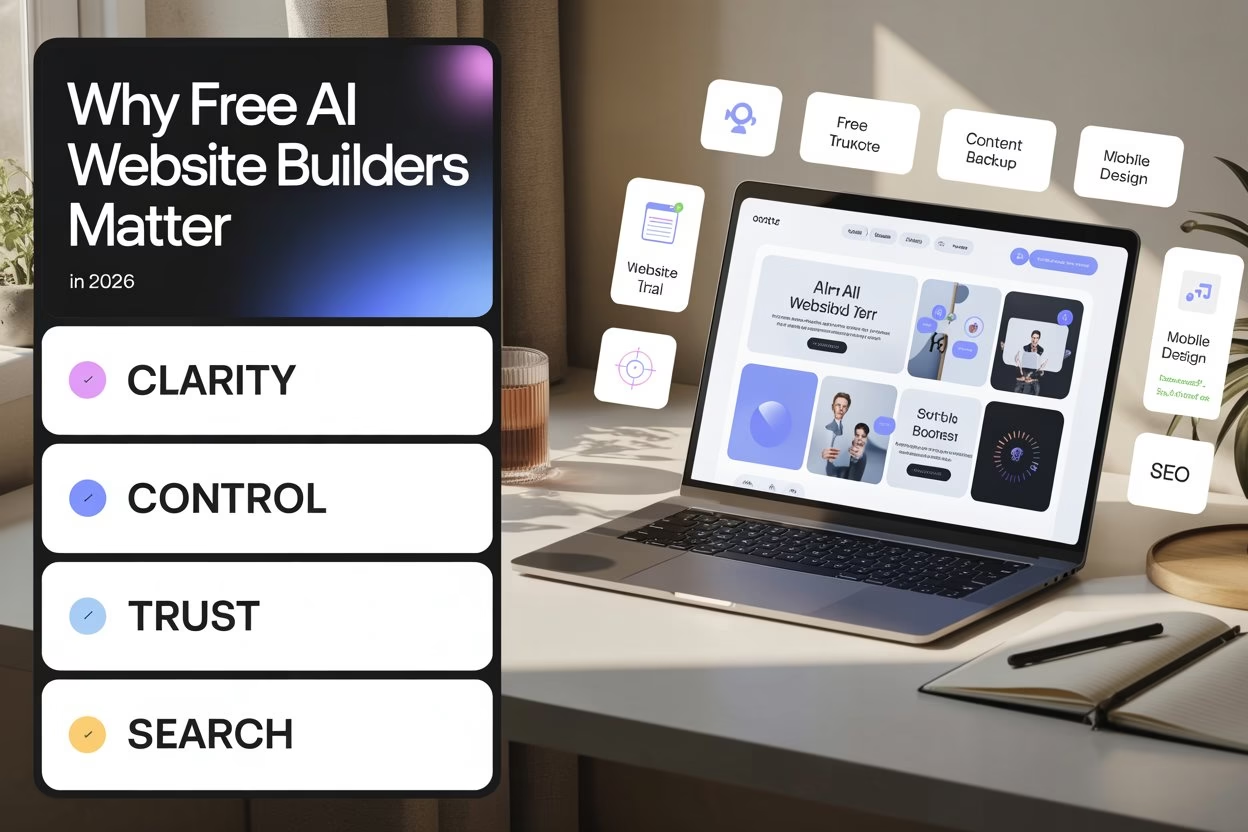
• Your first goal is clarity. A good website builder should help you create a homepage, contact page, service page, and clear call button without making the process feel confusing.
• Your second goal is control. Save your text, images, product details, brand colors, testimonials, and screenshots outside the website builder. This keeps you safer if a platform changes later.
• Your third goal is trust. Visitors should quickly understand who you are, what you offer, and how to contact you. If they feel confused, they leave.
• Your fourth goal is search visibility. Choose a builder that lets you edit titles, descriptions, URLs, headings, and image alt text. Google needs clear signals to understand your new pages.
How a Free AI Website Builder Really Works
Many tools say “free,” but free can mean different things. Some platforms give a permanent free plan with branding, while others give a free trial. However, some builders let you build for free, then ask for payment when you connect a domain or publish fully.
So, is free really free?
Sometimes, yes. However, free often works best for testing. A serious business website usually needs a custom domain, clean branding, forms, and stronger SEO controls.
- Free plans help you test the editor. You can check whether the builder feels easy before paying. This matters because a confusing editor can slow you down.
- Free trials help you test premium features. Tools like Hostinger or Shopify may give trial access, so use that time wisely. Build real pages instead of playing with dummy content.
- Custom domains often need paid plans. A subdomain works for testing, but a business site looks stronger with its own domain. Therefore, check the domain rules before choosing.
- AI can speed up drafts, not strategy. AI may create layouts and starter text, but you still need clear offers, real photos, accurate details, and human judgment.
Free AI Website Builder Tools: Quick Comparison
This table gives you a quick view before the detailed breakdown. Keep one thing in mind: the best choice depends on what you need live on your website within the next few days.
| TOOLS | FREE OPTIONS | AI SUPPORT | BEST FOR |
| WIX | Yes | Yes | Beginners and Small Business Sites |
| CANVA WEBSITES | Yes | Canva AI Tools | Visual Landing Pages |
| DURABLE | Yes | Yes | Fast AI-Generated Business Sites |
| JIMDO | Yes | Jimdo Dolphin | Simple Business Websites |
| WEBFLOW | See Starter Plan | Webflow AI | Designer and Advanced Layouts |
| FRAMER | Yes | AI and Modern Site Tools | Startup Style Landing Pages |
| HOSTINGER | Free Trial | Yes | AI Guided Low-Coat Websites |
| SHOPIFY | Free Trial | AI Commerce Tools | Online Stores |
- Choose Wix for a simple business website. It suits users who want templates, AI help, and visual editing. However, custom domains and advanced features may need a paid plan.
- Go for Canva for quick visual pages. It works well for landing pages, portfolios, and offers. Still, it may feel limited for deep blogging or heavy SEO.
- Durable or Jimdo is the best option for fast AI setup. These tools can create a starter business site rapidly. You should still rewrite the content in your own voice.
- Select Shopify only if you sell products. A service business may find Shopify too much. A product-based business may love its checkout and store tools.
Wix: Best Free AI Website Builder for Beginners
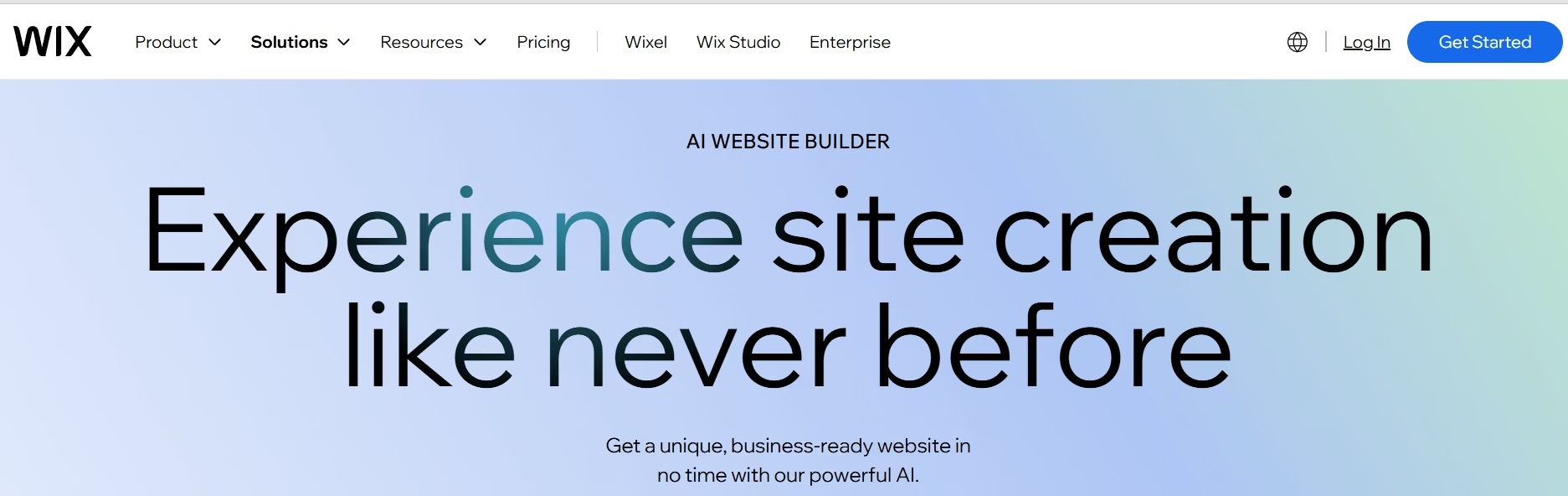
Wix says users can start building a site with AI for free. It also says users need a Premium plan to connect custom domains, collect payments, or access extra features. Wix says its AI website builder lets users start for free, which makes it a practical first test for beginners who want AI help without paying immediately.
“Is Wix a good Hocoos replacement?”
Yes, for many beginners. It gives you a visual editor, templates, AI website creation, and enough flexibility to rebuild a small business website without coding.
A beginner who needs help planning pages should also read How to Build a Small Business Website Without Coding. It explains layout, trust sections, mobile checks, and launch basics in simple language.
- Use Wix if speed matters. You can create a homepage, services page, contact page, and basic business layout fast. This helps when your old site has gone offline.
- Treat the free plan as a test space. Build the pages, preview the mobile layout, and test the editor first. After that, decide whether a paid plan makes sense.
- Check branding before publishing widely. Free sites usually carry platform branding or use a platform subdomain. A professional business website should use a custom domain when possible.
- Use real business details. Add your contact details, service areas, testimonials, photos, and clear CTA buttons. AI text alone will not build trust.
Canva Websites: Best for Quick Visual Landing Pages
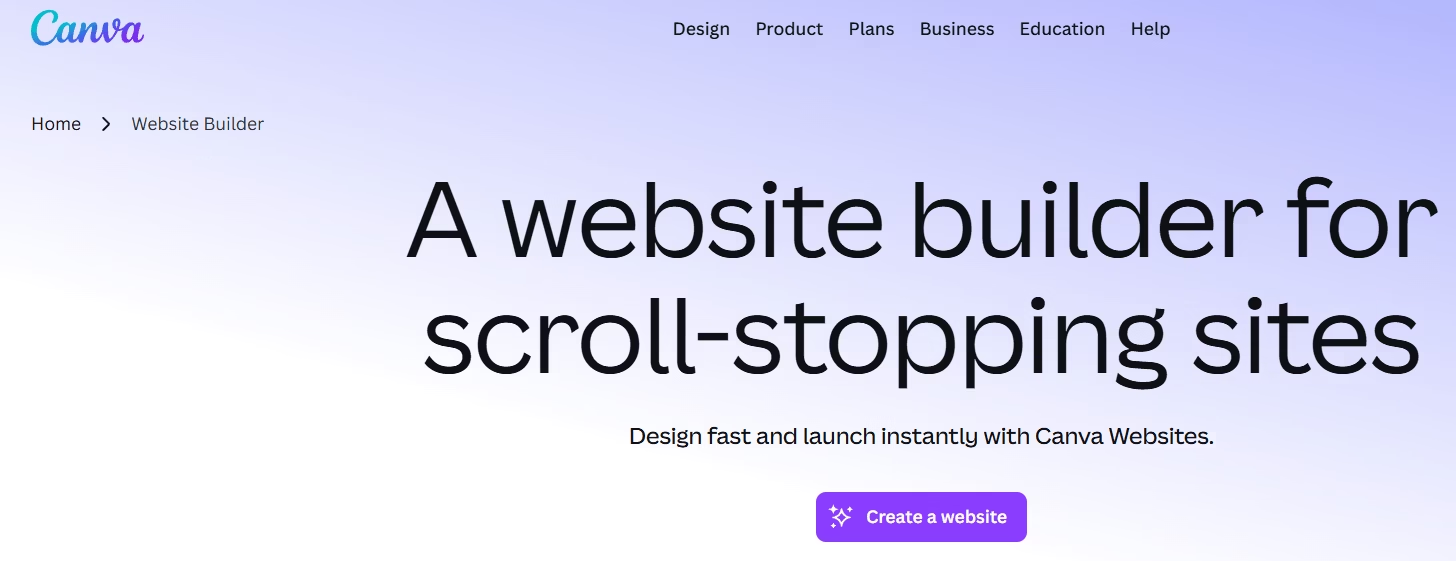
Canva promotes a free website builder for creating professional one-page websites with customizable templates. Canva also says Free users can have up to five live websites on Canva’s free domain. Its website builder works well for simple visual pages, especially when you already create brand graphics, social posts, or flyers inside Canva.
Can Canva replace a full website?
For a simple landing page, yes. For a full SEO content website, probably not. Canva works best when you need a quick, good-looking page without technical stress.
- Use Canva for visual speed. If you already have graphics, logos, and banners in Canva, you can turn them into a landing page swiftly.
- Use it for offers and campaigns. Canva suits event pages, portfolio pages, one-page brand profiles, and temporary business pages.
- Check the mobile view carefully. A design that looks beautiful on a desktop can feel crowded on a phone. Always preview before publishing.
- Avoid depending on Canva for deep SEO. A serious blog or content website needs a stronger structure. Use Canva when the page has a focused purpose.
Durable: Best for Fast AI-Generated Business Sites
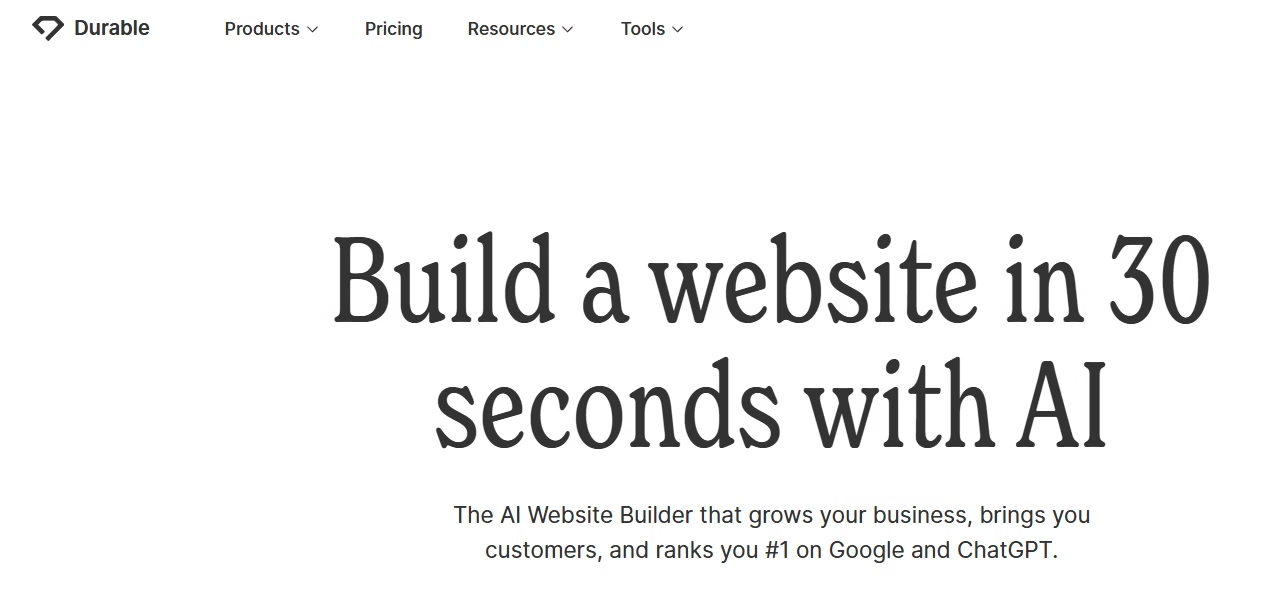
Durable says users can launch a website, get customers, and grow their business with AI. Its AI website builder page says Durable offers a free plan to get started, while paid plans add website building, hosting, and business tools. This AI website builder can create a quick starter website, which helps users who need a basic business presence without sitting for hours in front of a blank page.
Is this good for a quick rebuild?
Yes, especially if you need a starter site fast. However, check the AI-generated copy carefully. Generic text can make a business look weak.
- Use Durable for a fast first draft. It can help you create a starter website speedily when you feel stuck. Then edit every important line.
- Rewrite AI content with real details. Add your city, services, pricing style, experience, photos, and customer proof. This makes the page feel human.
- Check upgrade needs early. Free plans help you start, but business tools may need a paid plan. Review costs before moving your full website.
- Use it for service businesses. Local services, consultants, freelancers, and small agencies may find it useful. Stores should compare e-commerce options carefully.
Jimdo: Best Simple AI Style Builder for Small Businesses
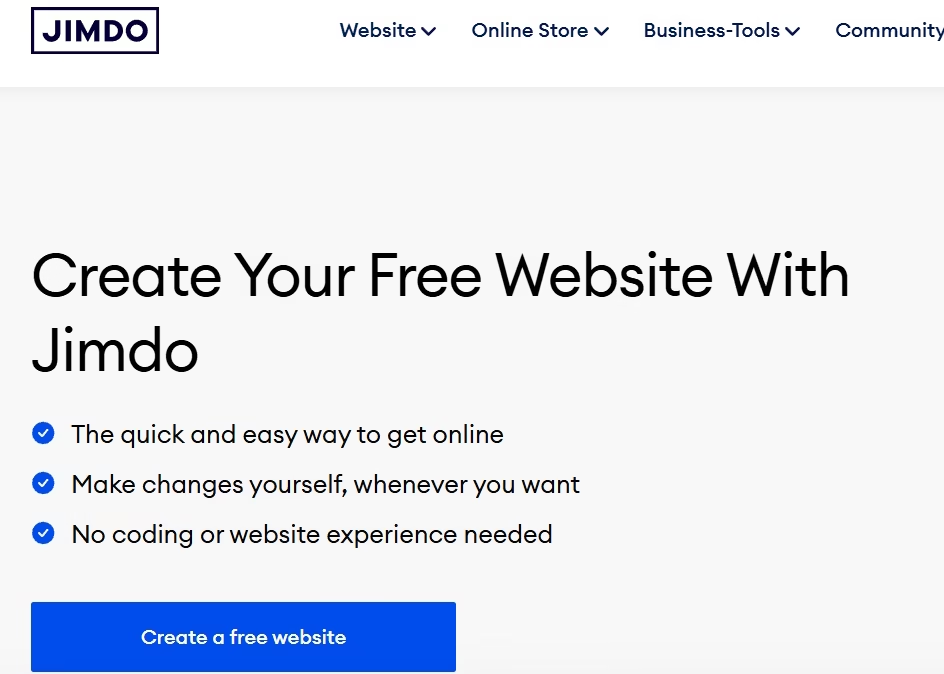
Jimdo says users can set up a website real quick and test its website builder for free. Its help center says users can test free plans without a time limit, with Play available for Dolphin and Free available for Jimdo Creator. The free AI website builder can suit small business owners who want a simple website setup without too many design choices.
What is Jimdo good for?
It works well for simple business websites. If you want fewer choices and less design pressure, Jimdo may feel easier than advanced builders.
- Use Jimdo for simple business pages. It can help you publish a clean website without dealing with heavy design decisions.
- Keep the structure basic. Add homepage, about, services, contact, and FAQs first. This gives visitors what they need without confusion.
- Check free plan limits. Free plans often include platform branding or subdomains. Review the upgrade path before finalizing the website.
- Avoid overloading the site. Jimdo works best when your website stays simple. Large blogs or complex stores may need another platform.
Hostinger: Best AI Website Builder Trial for Low-Cost Setup
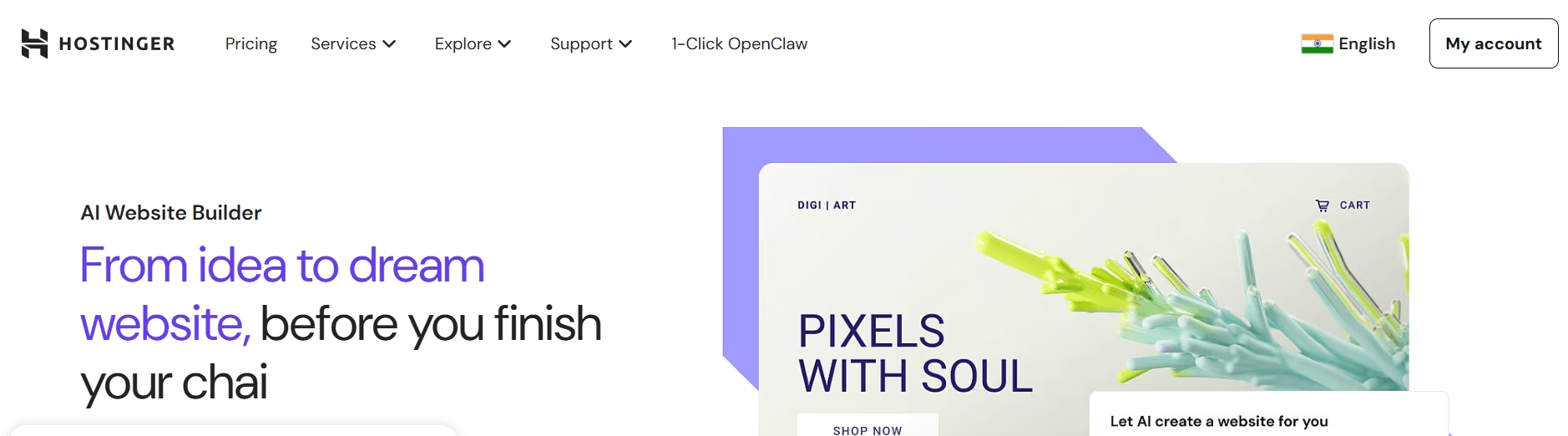
Hostinger says its AI Website Builder offers a 14-day free trial with no credit card required. Its website builder page also says the trial includes AI Website Builder, templates, drag and drop editing, AI writing and design, ecommerce features, built-in SEO and marketing, and support. Hostinger’s AI Website Builder offers a trial-based way to test AI website creation before choosing a paid plan.
Is Hostinger free forever?
No. It gives a trial, not a permanent free plan. Still, it can suit Hocoos users who want AI help and an affordable website setup in one place.
If you want to understand SEO basics before rebuilding, read 15 Best SEO Tips for Consistent Google Rankings. It will help you avoid common mistakes while creating the new pages.
- Use Hostinger if you want AI guidance. It can help users who want a guided setup instead of a blank editor.
- Use the trial with a plan. Build your actual homepage, service page, and contact page during the trial. This gives you a real feel for the platform.
- Check renewal pricing before buying. Introductory prices may look attractive. Renewal costs matter, especially for small businesses.
- Keep backups outside Hostinger, too. Save your content in Google Drive, Dropbox, or your computer. Website content should never live in only one place.
Webflow and Framer: Best for Modern Design Testing
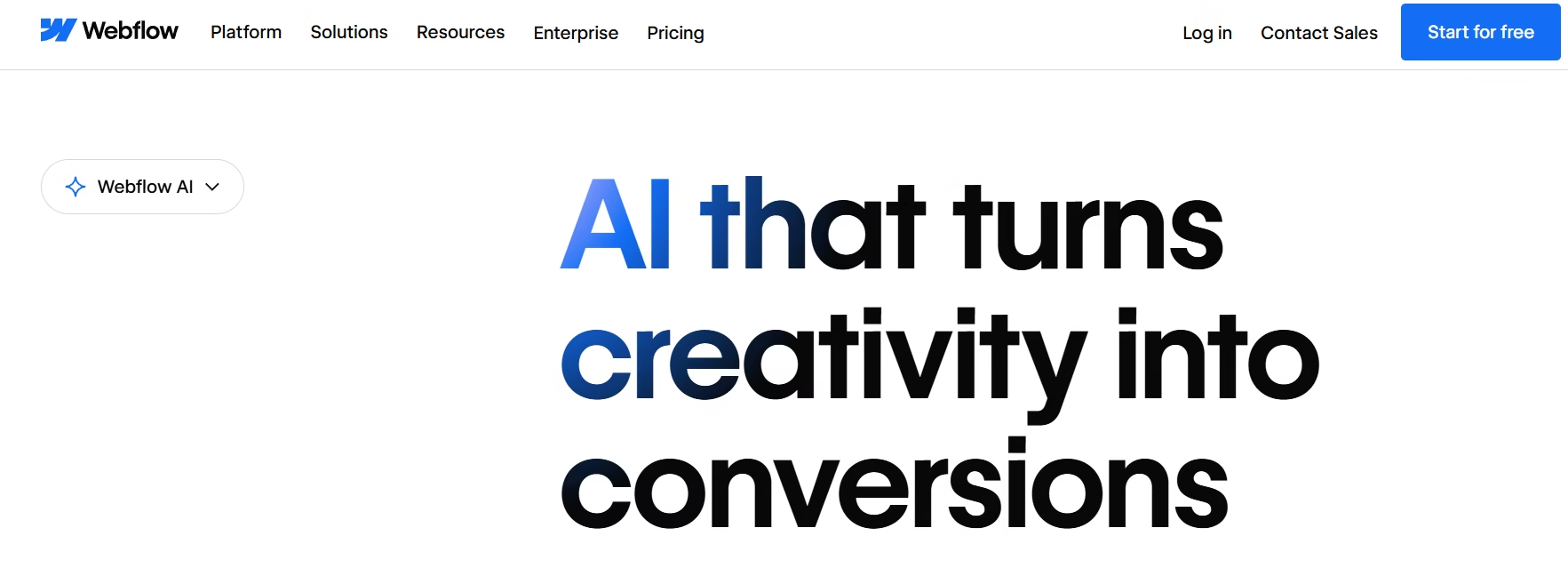
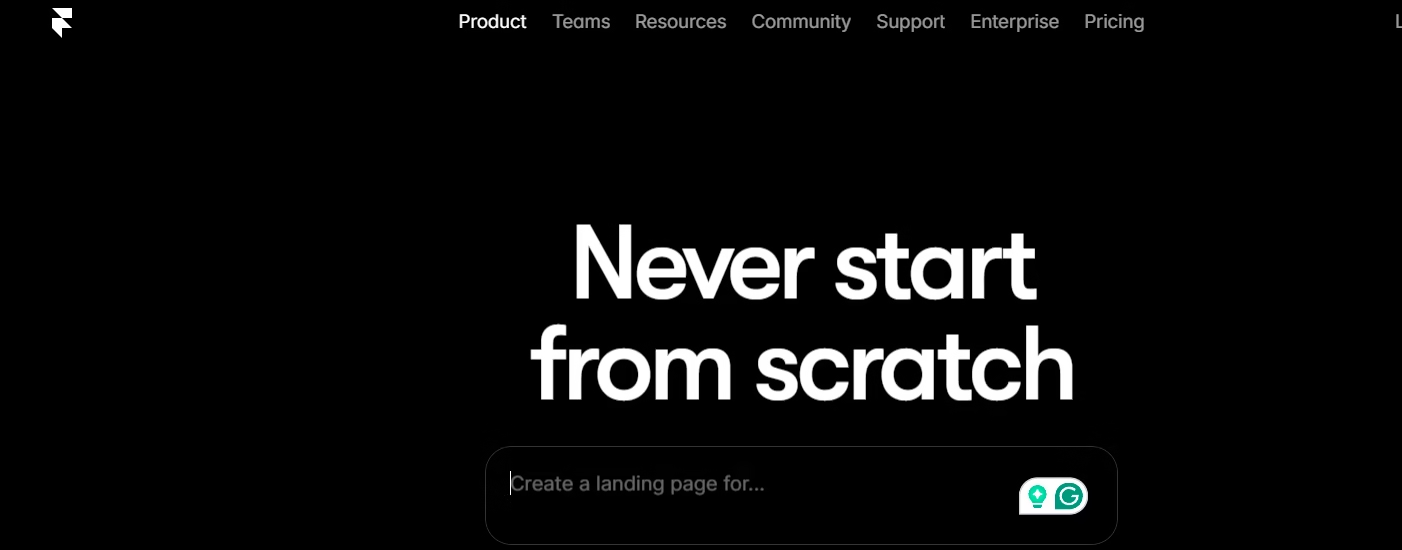
Webflow says users can try Webflow for as long as they like with the free Starter plan, then purchase a paid Site plan to publish, host, and access extra features. Framer promotes free website building with design freedom, CMS, built-in SEO, and real-time collaboration. Webflow’s pricing plans explain how users can start on a free Starter plan before upgrading for publishing and hosting features. Framer’s pricing page also helps users check what the free plan includes before they connect a custom domain or publish a serious brand site.
Are these beginner-friendly?
They can be fun if you like design tools. However, total beginners may find Wix, Canva, Jimdo, or Durable easier.
For design inspiration, you can read Liquid Web Design 2026: Why Every Screen Flows. It can help you think about mobile flow, flexible layouts, and a modern website experience.
- Use Webflow for design control. It suits users who want advanced layouts, animations, and a custom structure. However, it needs patience.
- Use Framer for modern landing pages. It works well for portfolios, startup pages, product pages, and sleek service websites.
- Test before moving your full site. Build one sample page first. Then decide whether the editor feels practical for daily updates.
- Avoid them for urgent recovery if you feel stressed. A simpler builder may help you publish faster. An Advanced design can wait.
Shopify: Best Trial Option for Online Stores
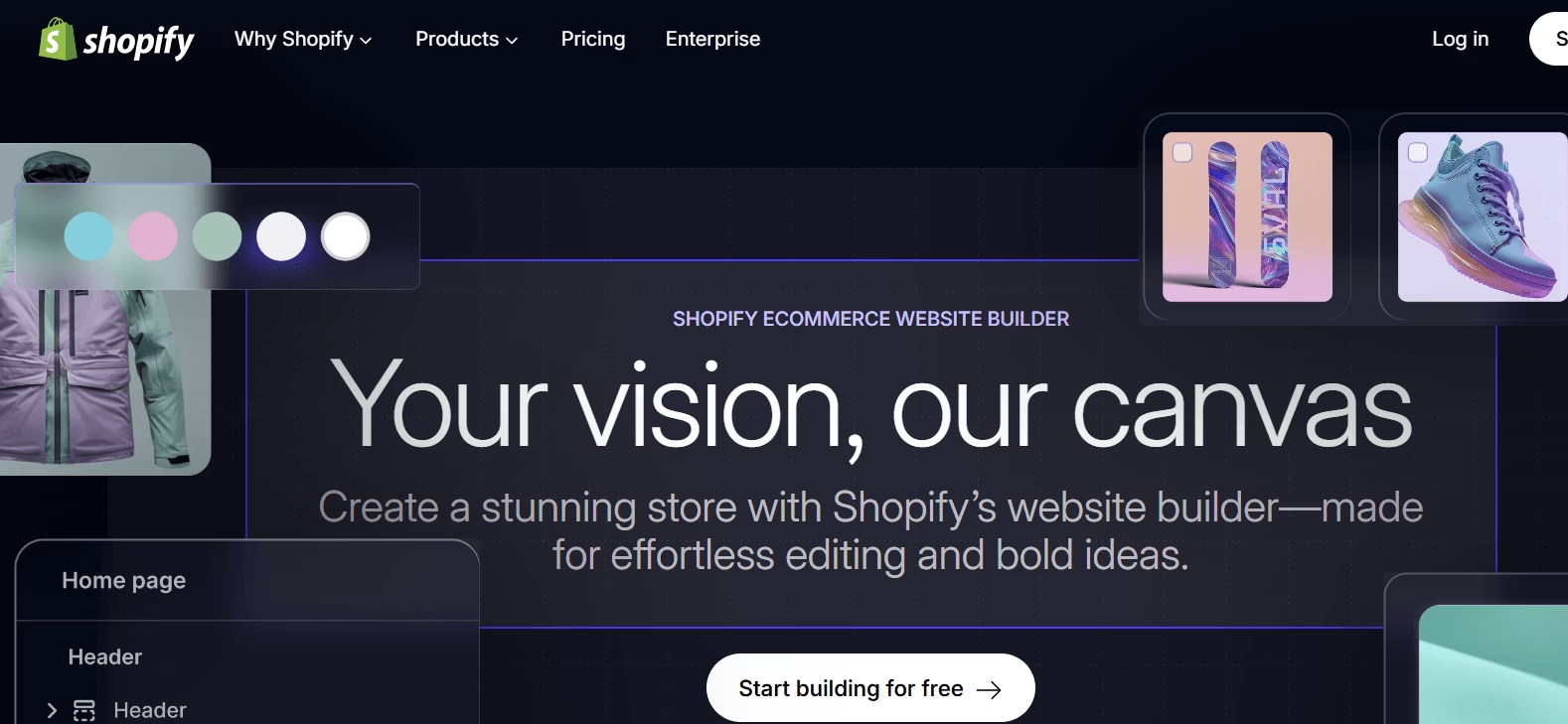
Users can try Shopify free for 3 days without a credit card, then choose a paid plan after the trial. Its platform focuses on products, checkout, payments, orders, and store management. Shopify’s pricing page is the right place to check its current free trial and paid plans before moving product data to the platform.
Should every Hocoos user choose Shopify?
No. Shopify makes sense when you sell products online. A consultant, coach, blogger, or local service provider may not need it.
- Use Shopify for e-commerce. It gives store owners product pages, cart, checkout, payments, and order tools in one place.
- Avoid Shopify for simple brochure sites. A service website usually needs fewer store features. Wix, WordPress.com, Canva, or Jimdo may fit better.
- Prepare product data before testing. Keep product names, prices, images, descriptions, SKUs, and shipping rules in a spreadsheet.
- Watch app costs. Store features can become expensive if you add many paid apps. Calculate monthly costs before scaling.
Best Free AI Website Builder Tools Based on Your Website Type
The best builder depends on your real needs. Ask one simple question: “What should my website do in the next seven days?”
Choose a business builder when leads matter most. Pick a blog-friendly platform for content growth. Use a landing page tool for a simple one-page site. Go with an e-commerce builder when selling products is the goal.
- For local services, try Wix, Jimdo, or Durable. These tools can help you create service pages fast. Add contact buttons, reviews, location details, and a strong homepage CTA.
- For visual campaigns, try Canva. It works well for offers, events, portfolio pages, and quick announcements. Keep the page short and focused.
- For design-heavy brands, try Webflow or Framer. These tools suit users who care about layout and visual flow. Test one page before moving your whole site.
- For online stores, try Shopify. It gives e-commerce features that general builders may not match. Review pricing before moving products.
What Hocoos Users Should Check Before Choosing
A free builder can help, but it cannot make every decision for you. Create a short checklist before opening too many accounts and getting confused. Google’s SEO Starter Guide is worth checking because it explains how search engines understand pages and how users decide which result to click.
Google’s SEO Starter Guide says SEO helps search engines understand your content and helps users decide whether to visit your site through search results. Therefore, your new website should explain your work clearly, not only look nice.
- Check domain access: Confirm your registrar login, domain owner email, DNS settings, and renewal date. Your domain matters because returning visitors may already know it.
- Check email records: If your business email uses your domain, note MX, SPF, DKIM, and DMARC records before changing DNS. This step can prevent email trouble.
- Check SEO controls: Your builder should let you edit SEO titles, meta descriptions, slugs, headings, alt text, and indexing settings.
- Check contact options: Test every form, WhatsApp link, phone button, email link, booking link, and checkout flow before launch.
Rebuild Plan for the Next 48 Hours
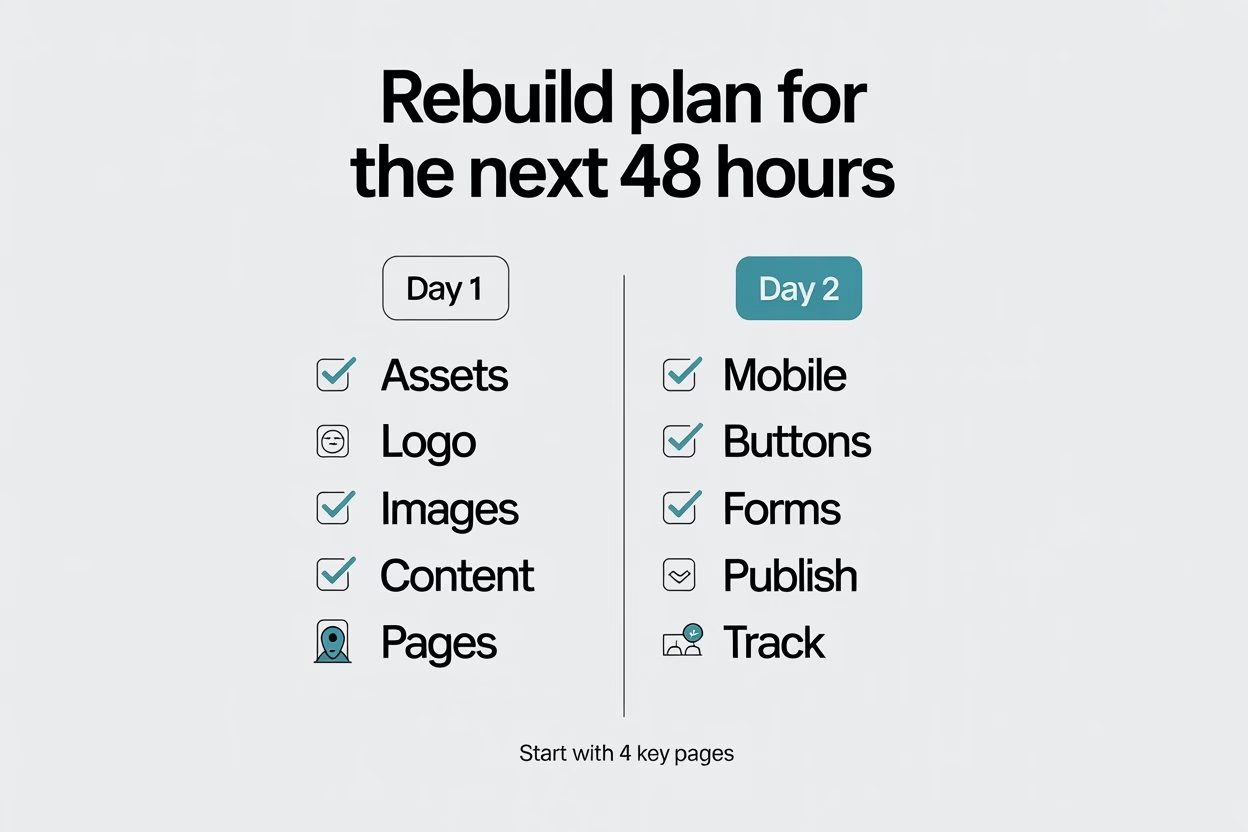
A rebuild feels less scary when you break it into two days. No need to fix everything at once. First, restore visibility. Then improve the experience.
What should I do today?
Start with one folder, one builder, and four pages. Yep, keep it simple.
A local business should also connect the new website with search visibility. The guide Google Business Profile Setup: Local SEO Made Simple can help you strengthen your local presence after the rebuild.
- Day 1: Collect Your Assets: Save logos, images, service text, product details, prices, testimonials, contact details, and old screenshots in one folder.
- Day 1: Rebuild Your Core Pages: Create the homepage, service or product page, contact page, and privacy policy first. These pages protect basic trust.
- Day 2: Test Everything: Open the site on mobile, click every button, submit every form, check spelling, and ask one person to review it.
- Day 2: Publish and Track: Add the site to Google Search Console, request indexing, and monitor impressions, clicks, and queries.
How to Make the New Website Feel Trustworthy
A new website can look shiny and still fail if visitors do not trust it. So, focus on proof, clarity, and helpful details.
What makes a website feel real?
Real photos, clear contact details, useful pages, visible policies, helpful FAQs, and honest language make a big difference.
If your business depends on leads, the post 8 Real Estate Tools for Beginners to Start Smart in 2026 can also help you think about forms, files, scheduling, and client follow-ups.
- Use real brand details. Add your name, business location, service area, working hours, and clear contact options.
- Add proof early. Testimonials, project photos, reviews, portfolio samples, or case snippets help visitors feel safer.
- Keep navigation simple. Use clear menu labels such as Home, Services, About, Blog, Contact, and Store. Fancy names can confuse readers.
- Write like a human. Avoid generic AI text such as “we provide innovative solutions.” Say what you actually do and who you help.
Rebuild Smarter, Not Later
The best free AI website builder in 2026 is the one that matches your website goal, budget, and upgrade needs. Wix works well for beginners; Canva helps with visual landing pages; Durable and Jimdo support fast business websites; Hostinger gives a trial-based AI setup; Webflow and Framer suit modern design testing; and Shopify fits online stores.
A Hocoos user may need speed today, but every website owner needs control for the future. So, choose one builder, test it properly, rebuild your core pages, connect your domain carefully, and check every button before sharing the new site. Your website does not need to look perfect on day one. It needs to work clearly, guide visitors smoothly, and support your next business move. For more practical digital business guides, visit The Digital Priyanka (TDP) and keep improving your website with real data, not guesswork.
FAQs
What are the best free AI website builder tools in 2026?
Wix, Canva, Durable, Jimdo, Hostinger, Webflow, Framer, and Shopify are useful options to compare in 2026. The best choice depends on your website type, domain needs, budget, and comfort level.
Are free AI website builders really free?
Some are free forever with limits, while others offer free trials. Free plans often include platform branding, subdomains, or limited features. Always check the custom domain, forms, e-commerce, and SEO limits.
What is the best free AI website builder for beginners?
Wix works well for many beginners because it offers AI website creation, templates, and visual editing. Jimdo and Durable also suit users who want a simpler AI-guided setup.
Which Hocoos alternative is best for a small business website?
Wix, Jimdo, Durable, and Hostinger can suit small business websites. Choose based on your comfort level, domain needs, pricing, and whether you need forms, bookings, ecommerce, or blog features.
Can I rebuild my Hocoos website for free?
Yes, you can rebuild a basic version with free or trial-based tools. However, custom domains, branding removal, e-commerce, advanced forms, and stronger SEO features may require paid plans.
Which is the best AI website builder for online stores?
Shopify works best for online stores because it focuses on products, checkout, payments, orders, and ecommerce workflows. Wix also offers e-commerce features, but compare costs before choosing.
Can I use my old domain with a new builder?
Yes, many builders allow custom domains, usually on paid plans. Before changing DNS settings, save your current records, domain login details, renewal date, and business email settings.
Does a free AI website builder help with SEO?
A free AI website builder can help with basic SEO if it allows title tags, meta descriptions, clean URLs, headings, image alt text, and indexing controls. Check these settings before building the full website.
Should I choose a free plan or a free trial?
Choose a free plan if you want to test slowly. Choose a free trial if you need premium features for a limited time. Either way, build real pages during the test.
What should Hocoos users do first?
Hocoos users should collect old content, check domain access, save business assets, choose one builder, and rebuild the homepage, contact page, and service or product page before adding extras.