Want a website, but coding feels like a wall?
Running a business and thinking, “Do I really need a developer for this?”
Looking at other websites and wondering, “Where do I even begin?”
If those thoughts sound familiar, you are in the right place.
Building a site used to sound technical, expensive, and slightly scary. Now, however, the process feels far more practical when you break it into simple steps. A small business website without coding can still look polished, feel trustworthy, and bring real inquiries. You do not need to sound like a designer or think like a programmer. You need clarity, structure, and a website that speaks like a human.
Step 1: Plan Your Small Business Website Without Coding

Before colors, pages, or layouts, pause and ask one direct question: what should this website do for your business? However, many owners rush into design and later say, “It looks nice, but nobody contacts me.” It happens because the site had no job from the start. A website can bring calls, bookings, messages, orders, or visits. Choose one main goal first. Then every decision starts making sense.
- Maybe you are a baker. Then the site should encourage people to place an order.
- Maybe you are a consultant. Then it should help people book a call.
- Maybe you run a salon. Then it should make appointments easy.
Once the goal feels clear, the entire website, in turn, becomes easier to shape. The U.S. Small Business Administration explains the essential website pages every small business website should include, while this simple website checklist can make the planning stage feel much lighter.
- Pick one main action you want visitors to take.
- Write that action on paper before building anything.
- Keep your goal realistic and easy to track.
- Let every page clearly support that goal.
Step 2: Start With Your Audience
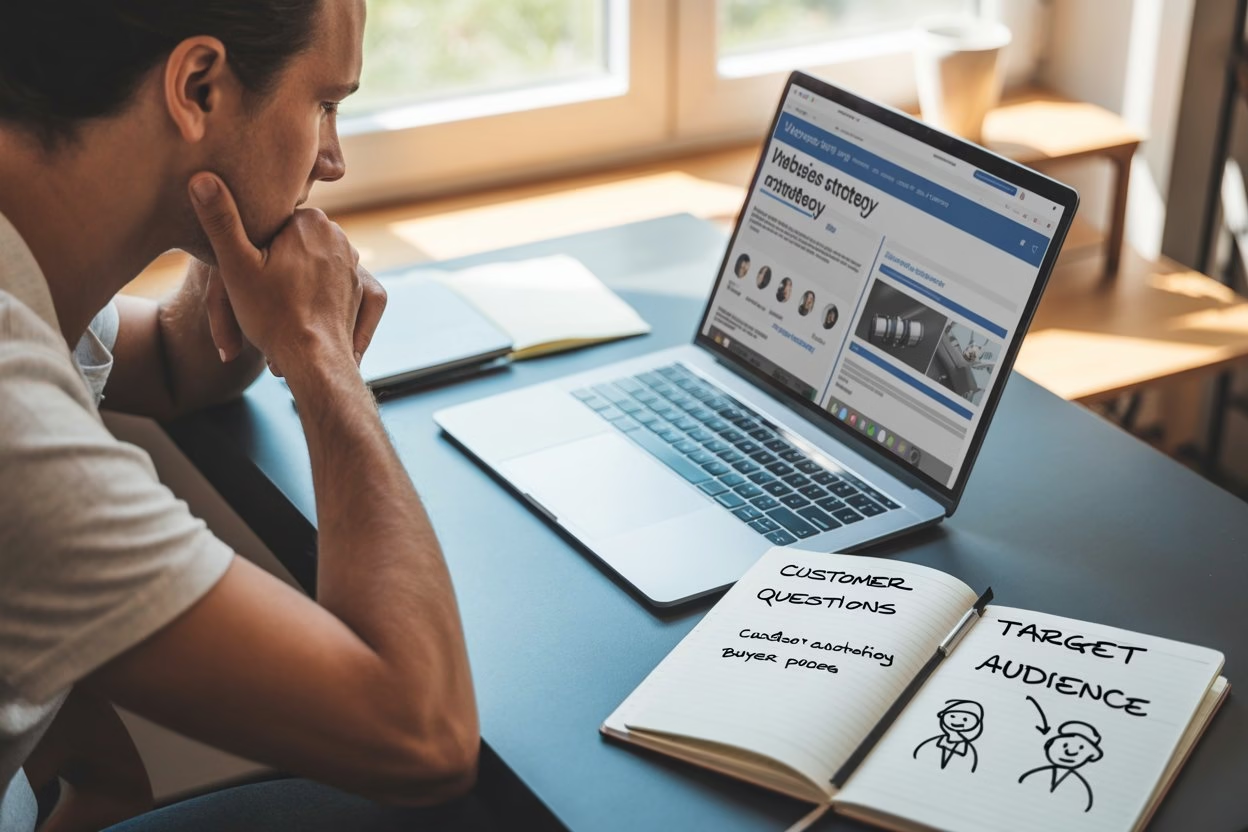
A website becomes effective when it speaks to the right people. So, stop thinking only about what you want to say. Think about what your visitor wants to know in the first ten seconds. Someone lands on your page and silently asks,
- “Am I in the right place?”
- “Can this business help me?”
- “How do I contact them?”
Therefore, your website should answer those questions fast.
This is where real conversation helps. Imagine your customer saying, “I do not have time to guess.” Fair enough. So, your homepage should feel direct. Instead, say what you do, whom you help, and what the next step looks like. Clear beats clever every single time. Once the site goes live, 15 Best SEO Tips for Consistent Google Rankings can help you strengthen visibility and bring more search traffic over time.
- Define your ideal customer in one or two lines.
- Use simple language that your audience already understands.
- Focus on their problem before talking about yourself.
- Remove anything that creates confusion or delay.
Step 3: Map the Pages Before You Design
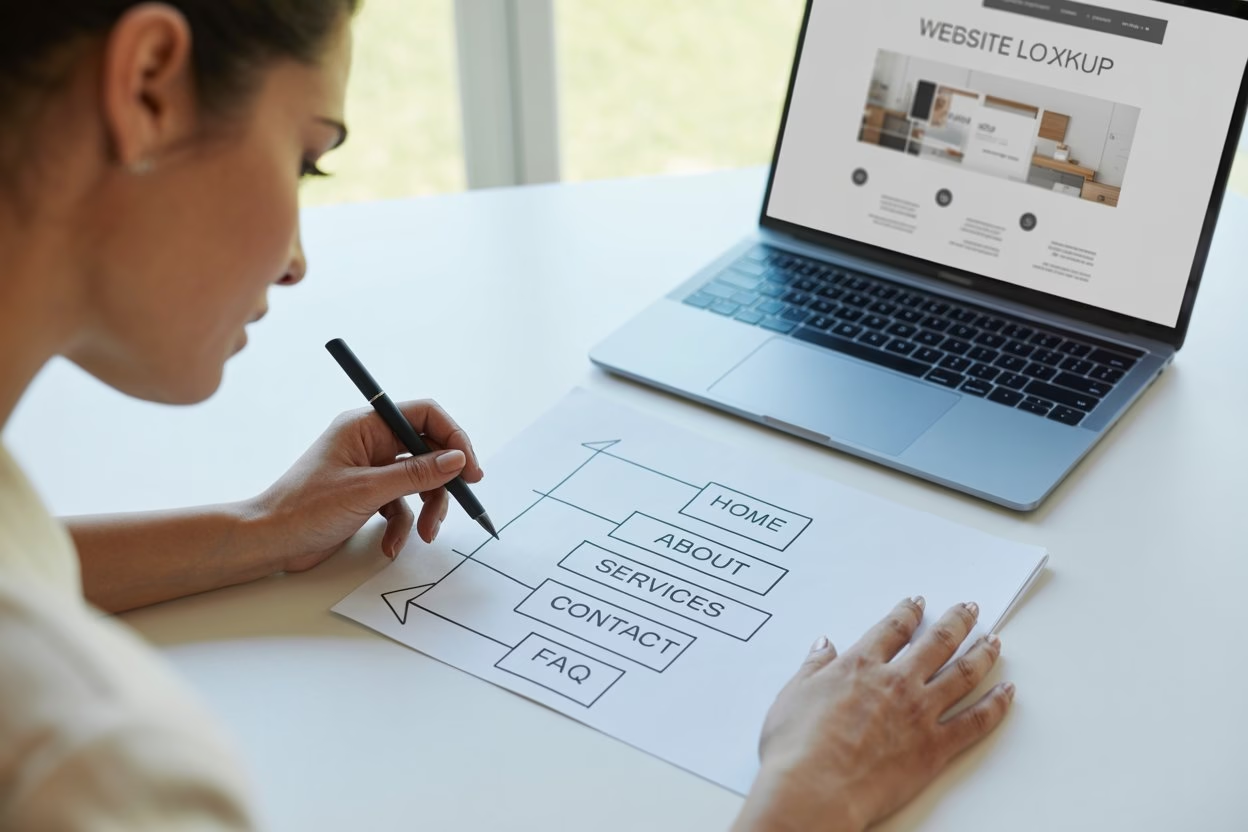
One common mistake ruins many new websites: building page by page without a plan. As a result, the site starts feeling random. Instead, map the structure first. Most small business websites do not need ten pages in the beginning. In fact, five strong pages can do the job beautifully.
Start with the basics: Home, About, Services or Products, Contact, and one trust-building page such as Testimonials, FAQs, or Portfolio. If you sell multiple services, keep them grouped neatly. If you offer one signature service, keep the site even simpler. Visitors should move through the site without wondering where to click next.
You might be thinking, “Is that really enough?” Usually, yes. A compact site with clear pages performs better than a bloated one full of empty sections.
- Sketch your page list before choosing any design.
- Keep your navigation short and easy to scan.
- Make sure every page has a clear purpose.
- Add new pages later only when they are needed.
Step 4: Write Like You Speak
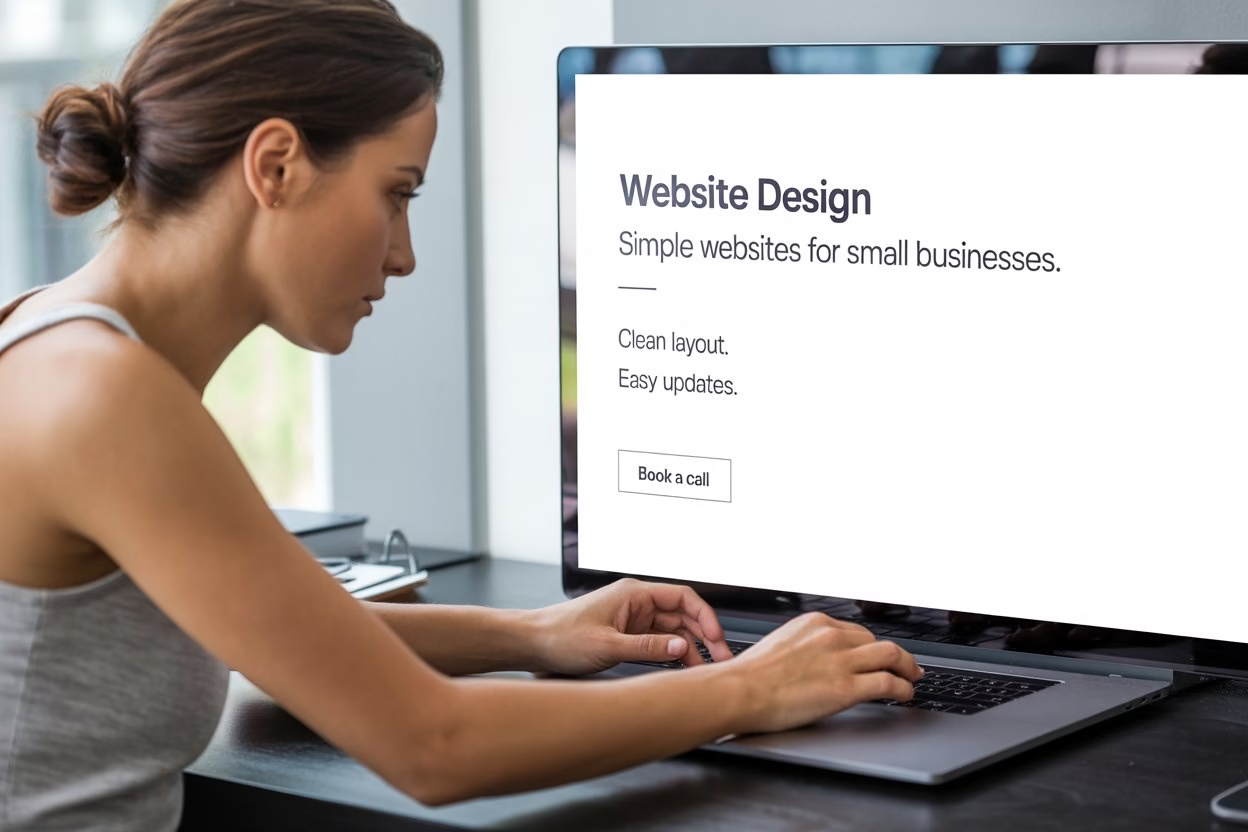
This step changes everything. A business website often fails because the writing sounds stiff, vague, or copied from somewhere else. After all, people do not connect with lines that feel cold. They connect with words that sound believable. So, write the way you explain your business in real life.
- Picture someone asking, “What do you actually do?” Your “Homepage” should answer exactly that.
- Imagine another person saying, “Why should I trust you?” Your “About Page” and “Testimonials” should handle it.
- Picture a hesitant customer asking, “What happens next?” Your “Service Page” and “Call to Action” should remove the doubt.
Here is the trick: write short sentences, speak clearly, and cut anything that sounds inflated. Nobody needs paragraphs packed with buzzwords. They need to feel, ‘Yes, this business gets it.’
Naturally, trust also grows when people see public evidence, and 16 Powerful Benefits of Google My Business Reviews explains why reviews strongly influence credibility.
- Start the homepage with what you do and whom you help.
- Keep your service descriptions specific and easy to follow.
- Add a warm, human About section with real details.
- End each page with one clear next step.
Step 5: Design a Small Business Website Without Coding That Feels Easy
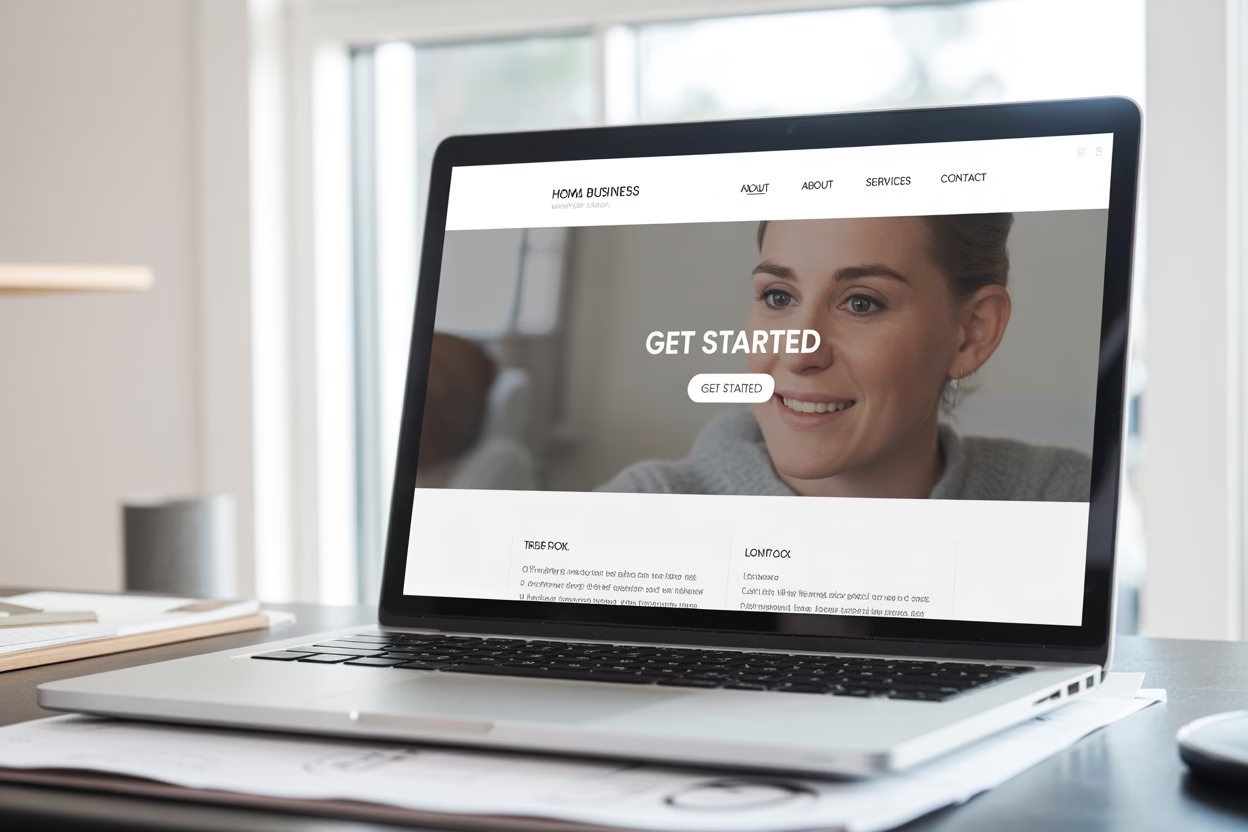
Good design is not about showing off. It is about making the site feel calm, readable, and trustworthy. So, choose a clean layout. Use enough white space. Keep fonts simple. Let one main color lead the page, then support it with one or two secondary shades. Most importantly, make buttons easy to spot.
At the same time, a visitor should never feel lost. If they have to hunt for your phone number, search for pricing clues, or guess where to click, the design is not helping. Think of your site like a storefront. If the entrance feels cluttered, people hesitate. If it feels clean, they walk in.
This part often sounds more dramatic than it is. You do not need a “wow” website. You need one that feels reliable. Ideally, someone should land on it and think, “This looks sorted.” Beginners who want AI help can also compare these free AI website builders for small business websites before choosing a platform. A closer look at Hocoos AI Website Builder: Everything You Need to Know can help if you want a beginner-friendly platform, while Liquid Web Design 2026: Why Every Screen Flows, and Why 3D Website Design Elevates Digital Experiences show how layout and visual choices shape the browsing experience.
- Use a clean header with clear navigation.
- Keep font styles limited and easy to read.
- Use one main button style across the site.
- Avoid crowding the page with too many elements.
Step 6: Build for Mobile Before Anything Else
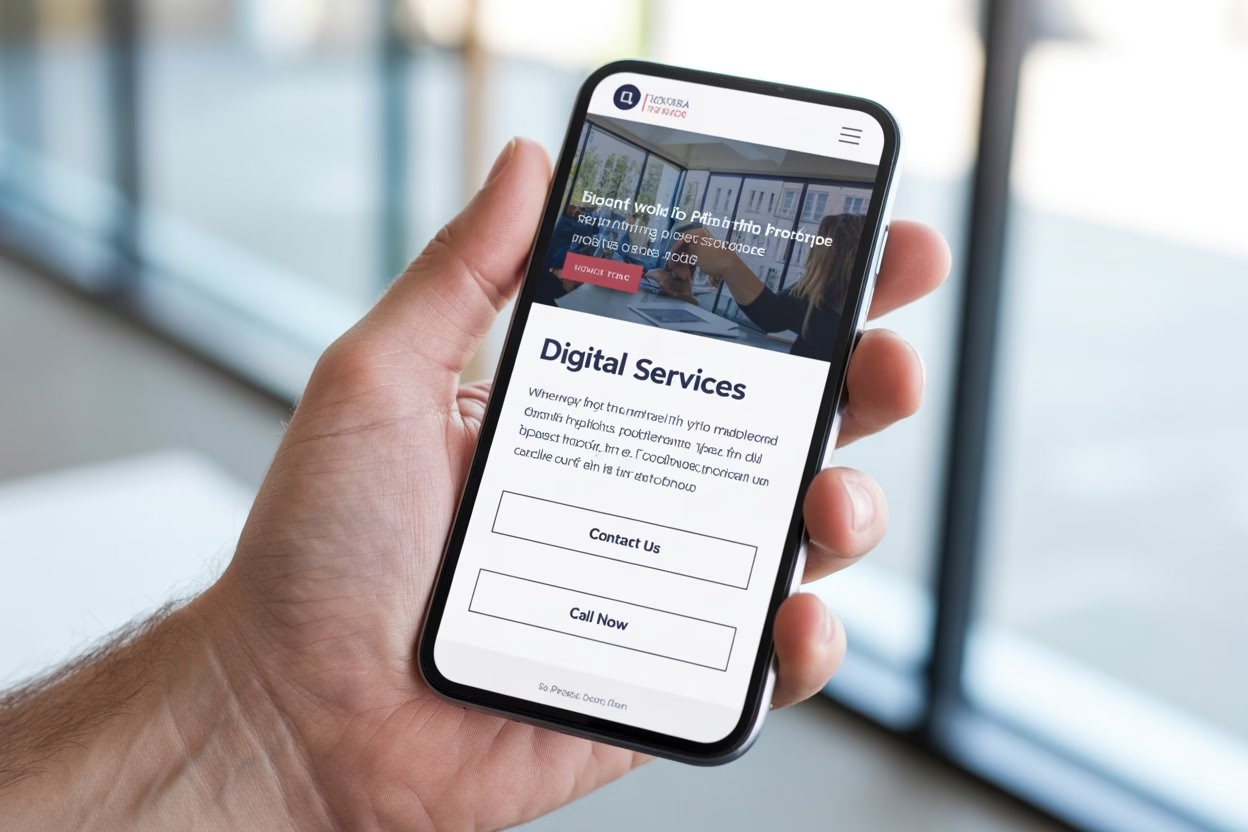
A lot of people will visit your site on a phone first. So, if your mobile version feels awkward, your website starts losing trust immediately.
- Buttons should be easy to tap.
- Text should be readable without zooming.
- Images should not crush the page.
- Contact details should appear fast.
Imagine a visitor whispering, “I will check later on my laptop.” In reality, many never do. Mobile friction quietly kills action. Therefore, after building each section, check how it looks on a smaller screen. Make sure your main message appears early. Keep the menu simple and forms short. Make it smooth.
Google’s guidance on mobile-first indexing is a strong reminder that the mobile version of your site matters in search. However, how to get information on Google explains why accessibility, security, and usability still matter.
- Check every page on a phone before publishing.
- Keep forms short and simple to complete.
- Place contact buttons where thumbs can reach easily.
- Make sure images load neatly without breaking the layout.
Step 7: Add Trust Signals Before You Launch
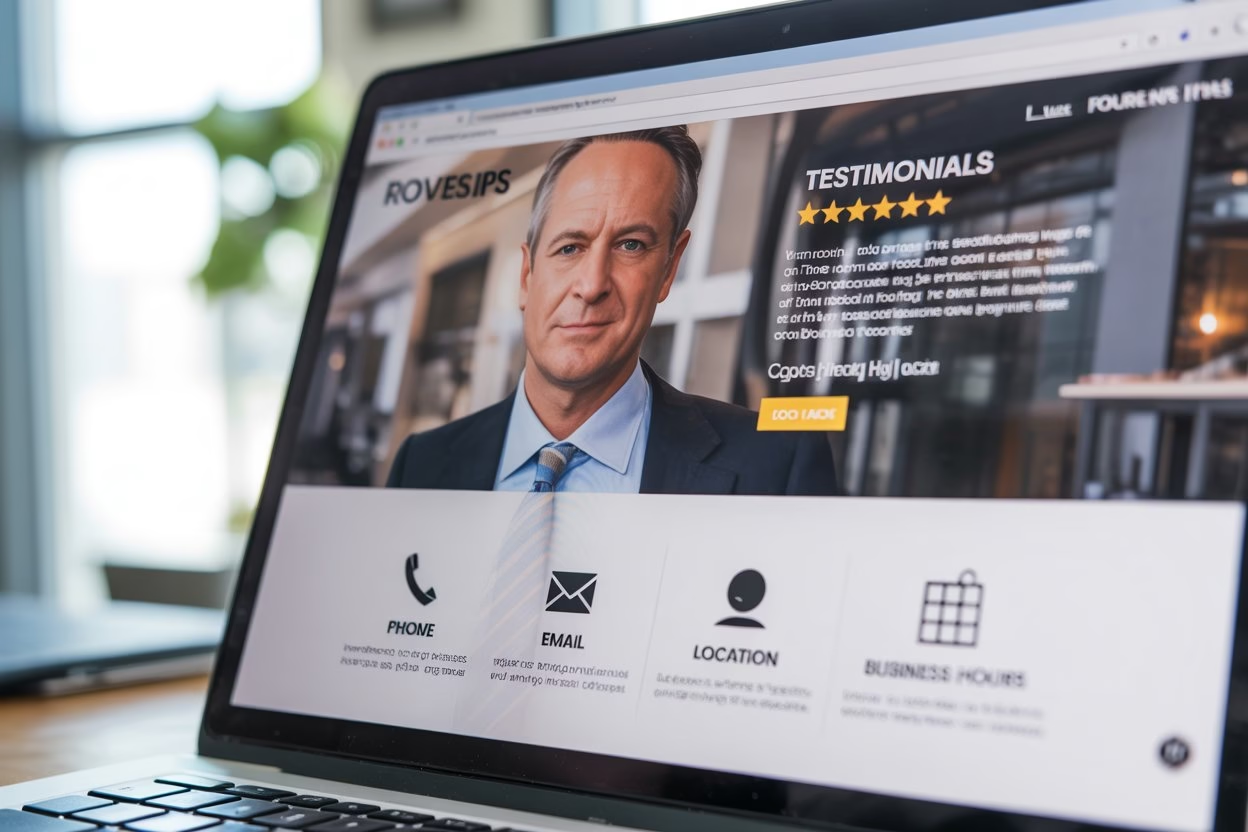
Of course, a pretty website without trust still feels weak. Visitors need proof that you are real, capable, and reachable. So, add the signals that reduce hesitation.
- Use a real photo when possible.
- Show testimonials.
- Include your business location or service area.
- Add a phone number, email, and contact form.
- Show business hours if relevant.
- Use clear service details instead of vague promises.
This is the part where many readers quietly say, “But I am just starting.” Even then, you can still build trust.
- Add a founder note.
- Share your process.
- Show your work samples.
- Explain what clients can expect after contacting you.
In fact, honesty builds credibility faster than fake polish. For local businesses, Google Business Profile Setup: Local SEO Made Simple can support visibility after launch, and Google’s own Business Profile help page explains the basics clearly. Moreover, the W3C introduction to web accessibility is worth reading when you want your site to be easier for more people to use.
Trust does not come from sounding big. It comes from sounding real.
- Explain what happens after someone reaches out.
- Show location, service area, or working hours clearly.
Step 8: Launch Your Small Business Website Without Coding with Confidence
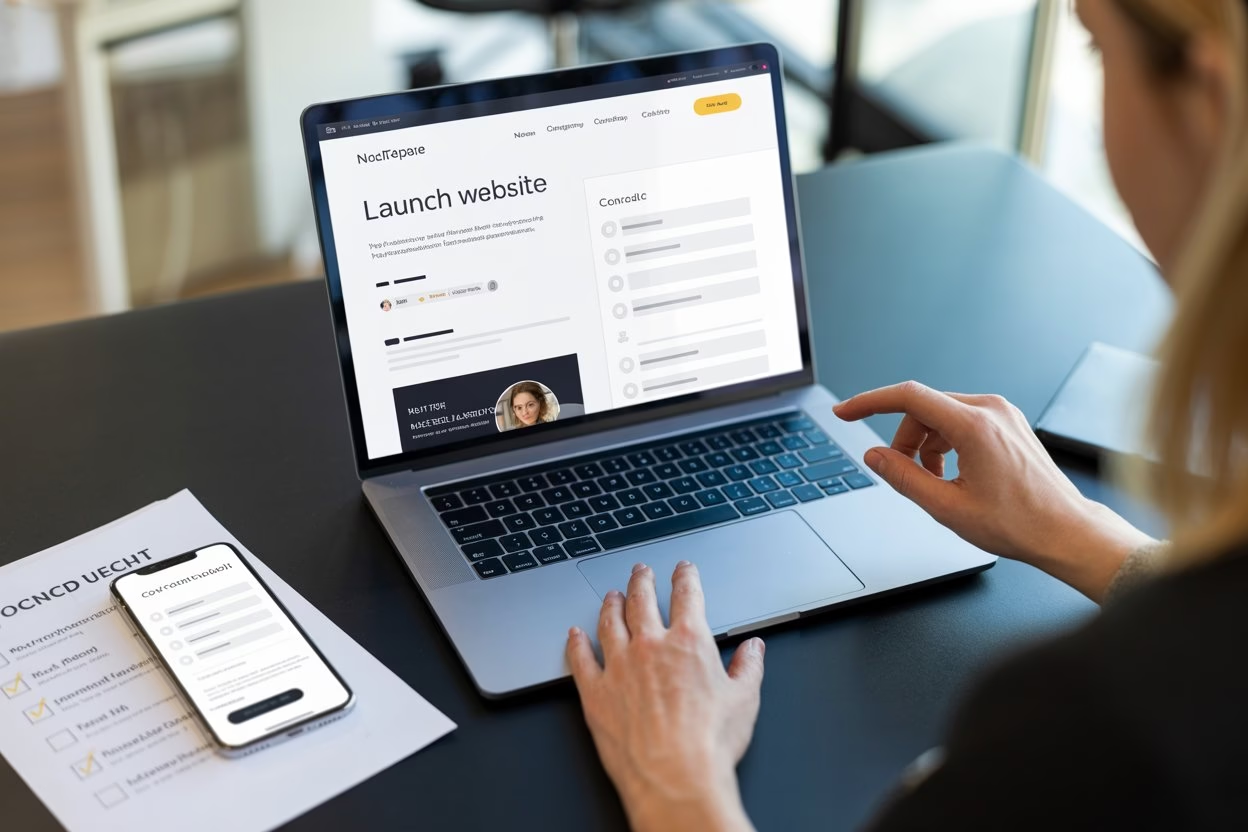
Importantly, publishing your site does not mean it has to be perfect. It means it is ready to serve. This mindset matters because many business owners keep tweaking for weeks and never go live. Meanwhile, no one can find them. So, launch when the essentials are strong, then improve with feedback.
- Before publishing, test everything.
- Click each button.
- Open the site on mobile.
- Check spelling.
- Read the pages aloud.
- Fill out your own contact form.
- Ask one friend or customer to browse it and tell you where they feel confused.
As a result, small fixes before launch can save you from many missed opportunities later. After launch, keep listening.
- Which page gets attention?
- Which button gets ignored?
- Which question keeps showing up in messages?
Your website should keep growing with your business. Still, growth starts with going live.
What Most Beginners Get Wrong
Many first websites struggle for the same reasons. They say too little, or they say too much. Owners hide contact details, overload the homepage, and try to sound formal instead of helpful. They copy what bigger brands do without asking whether it suits a smaller business.
A better approach feels simpler.
- Keep one strong message.
- Guide the visitor.
- Answer real questions.
- Show proof.
- Make action easy.
If you remember those points, your site will already feel stronger than many small business websites online.
You do not need to impress everyone. You need the right visitor to feel comfortable enough to take the next step.
- Do not bury your contact options at the bottom.
- Do not fill the homepage with too many ideas.
- Do not write in a voice that feels unnatural.
Your Website Can Start Working Before It Looks Perfect
A website can change how your business gets seen. It can make you look clearer, more credible, and easier to contact. More importantly, it can make your day smoother. Instead of answering the same questions repeatedly, your website can do part of that work for you. A small business website without coding is no longer a distant project reserved for tech people. It is a practical move for any owner who wants a stronger digital presence. Business owners can also explore these best free AI tools for small business owners to simplify content creation, automation, SEO, and customer communication.
So, start with the basics. Choose your goal, understand your visitor, and publish with confidence. You do not need to know code to build confidence online. You need a clear message and the willingness to begin.
FAQs
- Can I really build a business website without coding?
Yes, you can build a business website without coding by using simple drag-and-drop systems, clear page planning, and strong content that guides visitors toward action naturally.
2. How many pages should a small business website have?
Most small business websites can start with five core pages: Home, About, Services, Contact, and one trust page, such as Testimonials, Portfolio, or FAQs, for better clarity.
3. What should appear first on the homepage?
The first screen should quickly explain what your business does, who it helps, and what action visitors should take next, such as calling, booking, buying, or messaging.
4. Does a small business website need a blog?
Not always. A blog helps with visibility and trust over time, yet a simple business website can still work well without one in the early stages.
5. Why is mobile design so important for small businesses?
Many visitors check websites on phones first. If your site feels awkward on mobile, people leave quickly, and you may lose inquiries before they ever reach out.
6. What makes visitors trust a small business website?
Visitors trust websites that feel clear, real, and easy to verify. Contact details, testimonials, service explanations, location information, and honest writing all help build confidence fast.
7. Should I write formal content on my website?
Formal writing often creates distance. A warm, direct tone works better because visitors want clarity, reassurance, and easy answers, especially when they are deciding quickly.
8. What is the biggest mistake beginners make?
The biggest mistake is building without a clear goal. When a website has no focus, visitors feel confused, and the design, writing, and calls to action become weaker.
9. How do I know my website is ready to publish?
Your website is ready when the key pages are complete, contact options work, the mobile layout looks clean, and every section clearly supports your main business goal.
10. Can I improve the website after it goes live?
Yes, and you should. A website grows with your business, so launch the essentials first, then improve copy, layout, and trust elements as feedback starts coming in.