
Smart home routines sound like a lifestyle upgrade until you notice how much energy your home quietly takes from you. Lights stay on in the wrong rooms. The AC gets adjusted again. The door lock gets checked twice, then checked again. Meanwhile, your brain keeps running tiny tasks on repeat, so “rest time” still feels busy.
A do-nothing home changes that feeling. You set a few routines once, and then your home takes care of the boring tasks in the background, allowing your attention to come back to you. You will see routines that feel genuinely premium, along with a simple way to build them so they remain reliable, calm, and easy to live with. Explore more on The Digital Priyanka (TDP).
That calmer attention often starts beyond the home as well, and many people pair these routines with a short phone reset like the 48-hour dumbphone challenge to reduce constant micro hits.
Comfort with Fewer Decisions

A do-nothing home does not mean a house that does random things. Instead, it means your space handles the predictable moments you already repeat. Therefore, the home works like a quiet teammate, and the constant background thinking finally eases up.
The most powerful part is not the gadget. It’s the mental relief. The hallway light supports you at night, the bedroom stays soft when your body wants rest, and the urge to double-check everything starts fading. The best setups also feel respectful with one tap overrides and zero drama the next day, so smart starts feeling effortless instead of demanding.
Quick check before you build anything
- Choose routines that remove one repeated thought. Your home should reduce mental chatter, then give you back quiet, so nights feel lighter.
- Keep the first routine simple. Reliability builds trust faster than fancy features ever will, and trust makes building fun again.
- Add an easy manual override. Flexibility keeps routines feeling friendly on messy days, so the system stays usable year-round.
- Treat routines like habits. Small wins stack, and then the home starts feeling lighter, which makes the next routine feel obvious.
Why 2026 Makes Do-Nothing Homes Real
Earlier smart homes looked exciting, yet they often felt fragile. One device needed one app, another device needed another app, and then everything broke during updates. However, the ecosystem has started moving toward smoother compatibility, so the experience feels less like “troubleshooting” and more like “living.”
Matter is designed as a unifying, IP-based connectivity protocol for more reliable smart home ecosystems, as explained by the Connectivity Standards Alliance. Google also describes it in the Google Home Developers Matter overview as an open standard that helps devices work across Matter-certified ecosystems. The Verge notes Google’s broader local control for Matter-supported devices, which helps routines stay responsive with fewer delays even when the internet drops.
Local control also changed the vibe. Google announced broader local control of Matter supported devices for its hubs, which improves reliability, privacy, and latency even when the internet drops, as reported by The Verge. So, the dream becomes practical: fewer cloud hiccups, fewer delays, and a home that behaves consistently, which is the real meaning of “do nothing.”
What this means for you
- Compatibility stress drops when your devices share a standard. That makes expanding later feel smoother, so upgrades stop feeling risky.
- Set-up friction reduces when platforms improve onboarding. That helps routines reach the “set it and forget it” stage, which is where the do-nothing feeling finally shows up.
- Local control keeps essentials responsive. Your home feels stable, even on bad Wi-Fi days, and that stability makes routines feel dependable.
- Standards create confidence. Confidence keeps you building instead of quitting after one annoying week, and it also raises the ceiling for what your home can handle next.
The 15-minute Friction Audit
Smart homes get boring when the setup starts with a shopping cart. Instead, start with a friction audit. Walk through one normal day and catch the small moments that steal your patience, because those moments reveal the routines that will feel life-changing.
Notice the three main time windows:
- Morning friction: harsh lights, too many tiny tasks, and a rushed start.
- Evening friction: repeated lock checks, random brightness, and a room that refuses to feel restful.
- Interruptions: lights left on, fans running in empty rooms, and the nagging feeling that something is still on.
Then pick one routine that removes one repeated irritation. That first win creates momentum, and momentum is the secret ingredient most people miss. If you need a simple baseline before you start, 6 Top Advantages of a Smart Home can help you map comfort, safety, and savings into clear goals.
How to pick the right first routine
- Write annoyances as exact scenes, not vague goals. “I keep checking the door at night” turns into a routine instantly, and the relief feels immediate.
- Pick one room first. One calm room makes the whole home feel upgraded, which keeps motivation strong.
- Keep triggers predictable. Predictability builds trust, then routines feel invisible, and invisible is the luxury.
- Expand slowly. One stable routine beats five half-working ones, and stability keeps the system enjoyable.
Smart Home Routines for Calm Mornings

Smart home routines work best in the morning because mornings punish indecision. Therefore, the goal is a smooth first hour with fewer choices, so the day starts with ease instead of friction.
Start with light. A soft ramp-up feels kinder than a sudden bright blast. Next, add one comfort cue you enjoy, like a lamp scene and a smart plug that powers a kettle. Then add one practical cleanup, like switching off hallway lights after the rush ends. That trio does something subtle: it turns mornings into a rhythm.
This is also where wearables can add a lifestyle angle without turning your home into a science project. Smart Ring Trend 2025 fits naturally here, since sleep readiness and daily rhythms pair well with gentle morning automation, and the routine starts feeling tailored.
Morning routine ideas that feel premium
- Use light first, then add devices later. Light shifts mood instantly, so it delivers the fastest emotional payoff, and the room starts feeling softer.
- Add one comfort cue that feels personal. A warm lamp scene can change the tone of the whole morning within days.
- Keep the routine quiet. Too many notifications make mornings feel noisy again, so keep the help invisible.
- Add a one-tap pause option for weekends. Weekend flexibility keeps routines from feeling controlling, which makes them easier to keep long-term.
Smart Home Routines for Better Nights
Evenings carry a different kind of tired. You want rest, yet your home still asks for tasks. Therefore, your evening routine should feel like a gentle close: lights dim on schedule, a wind-down scene turns off non-essential plugs and keeps the light warm, and a silent lock check ends the loop that steals rest.
Privacy matters here because comfort and privacy sit in the same emotional bucket. Apple explains in its HomeKit security documentation that HomeKit protects and syncs private data without exposing it to Apple. Apple also notes in HomeKit and iCloud data protection details that HomeKit data can use end-to-end encryption and isn’t accessible by Apple when synced through iCloud and iCloud Keychain in the newer architecture.
Pairing the environment with the habit also makes this section feel human. If your evenings get eaten by scrolling, Late Night Scrolling Fix: Busy People Digital Detox Plan fits right after the wind-down routine, because the room and the habit can support each other, and that connection tends to surprise people.
Evening routine moves that feel soothing
- Make the lights warmer and lower after dinner. Warm light signals calm, then sleep becomes easier, and the room feels gentler.
- Run security actions quietly. Silence helps your nervous system settle faster, so bedtime stops feeling like a checklist.
- Add a “movie night” scene. Real life changes plans, so routines should flex, which keeps the setup friendly.
- Keep the phone charging outside the bedroom. The room feels calmer when the temptation sits farther away, and the urge loses its grip faster.
Quiet Energy Savings
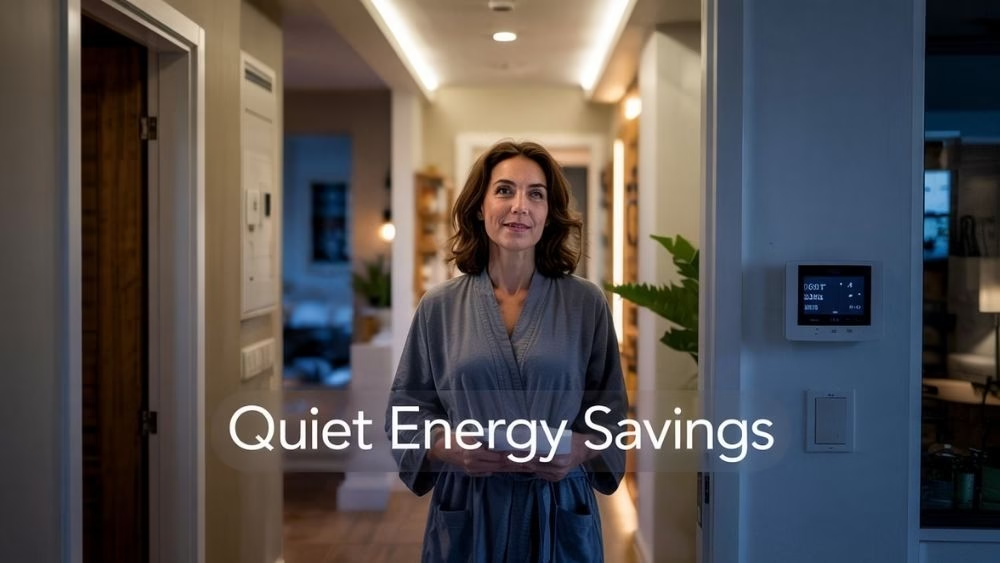 Savings feel satisfying when they happen quietly. Therefore, start with heating and cooling, since that’s where many homes feel the biggest bill shock, and it’s also where routines make an instant difference.
ENERGY STAR notes in its smart thermostat FAQ that certified smart thermostats can save about 8% on heating and cooling bills, around $50 per year on average, although results vary. Therefore, a simple sleep and away schedule helps savings happen quietly, while the U.S. Department of Energy explains in its guide to lighting controls and occupancy sensors that sensors cut wasted lighting by turning lights off or dimming them when a space is unoccupied.
If you want a practical, budget-friendly route into these upgrades, 10 Brilliant DIY Home Automation Ideas 2024 gives you a simple path without making this feel expensive or complicated, which keeps momentum strong.
Energy routines that keep comfort intact
- Use a thermostat schedule that matches your real day. Schedules work when they reflect your life, and the ENERGY STAR smart thermostat FAQ makes the savings point clear.
- Add occupancy sensors to the “forgetful zones.” Corridors and bathrooms waste energy most often, and the Department of Energy guide explains how sensors cut that waste.
- Cap brightness at night. Lower brightness looks better and reduces waste, so comfort stays intact while bills drop.
- Change one setting per week. Slow tweaks keep troubleshooting easy and results clear, so the system stays enjoyable.
Smart Security, Zero Noise
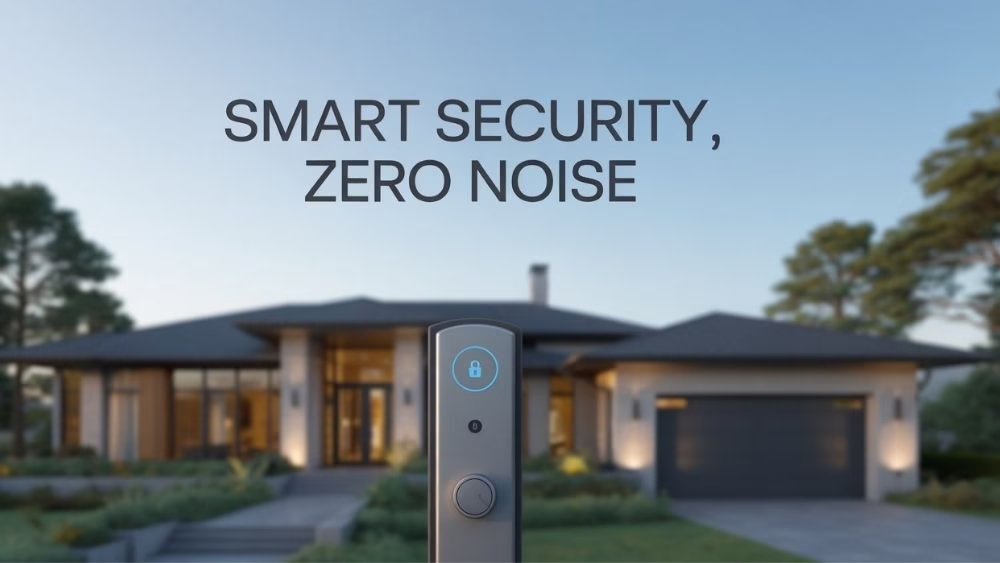
Security becomes exhausting when it feels like constant surveillance. However, it becomes comforting when it feels predictable and quiet, so safety sits in the background instead of in your head.
Choose routines that confirm safety in the background: auto lock at a set time, pathway lighting with outdoor motion, and one “away mode” that reduces visible activity. Then keep alerts minimal, so notifications feel meaningful instead of stressful, and you stop ignoring them.
When privacy feels confusing, Mozilla’s Smart Home privacy and security guide helps as a clear filter, and its Privacy Not Included methodology explains how products get flagged when Minimum Security Standards can’t be confirmed. For a stronger baseline, NIST offers its consumer IoT cybersecurity program and the Consumer Profile for the IoT Core Baseline, while the Cyber Trust Mark labeling effort adds a quick shortcut for safer buying decisions.
Calm security habits that work
- Keep cameras at entry points, then protect private spaces. Thoughtful placement keeps safety and privacy balanced, so the home feels supportive.
- Reduce alerts so messages feel important. Too many alerts train you to ignore them, while fewer alerts keep you responsive.
- Protect your network and update devices. The router is the foundation, so strong security habits keep everything safer.
- Use labeling and standards as a shortcut. Security labels and baseline guidelines help you filter faster, which saves time and reduces regret.
Subscription-Proof Smart Home Routines
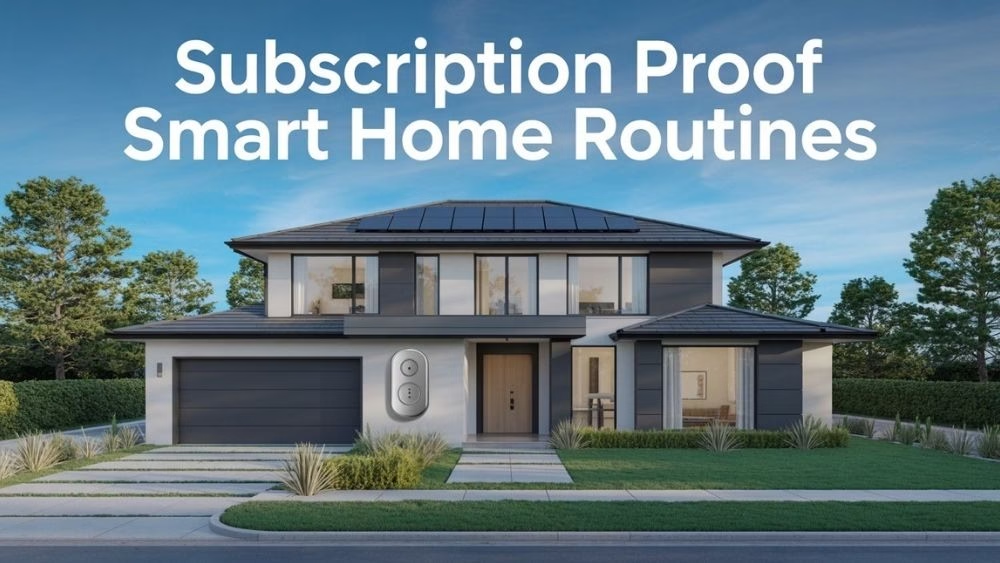
Smart home routines feel magical until a monthly fee pops up for basic comfort. Therefore, build your setup so routines stay useful even if you never pay a subscription, because long-term stability feels better than constant upsells.
Start with one ecosystem you actually enjoy, then add devices that keep core features working, since Matter supports cross-platform compatibility, and local control keeps routines responsive even when the internet fails. If you want deeper privacy-focused control, Home Assistant offers a stable, local-first approach, so routines stay simple, steady, and dependable.
Automation helps at home and in business. Once routines start saving time at home, it’s easy to see the value again in the Step-by-Step Guide to E-commerce Automation and Top E-commerce Automation Tools Sellers Need in 2025, because the same “less manual work” mindset pays off everywhere.
How to stay subscription-proof
- Prefer devices that work well without paid plans. Subscriptions should feel optional, not required, so routines stay affordable.
- Keep routines simple and layered. Simple routines survive updates and stay easy to fix, which keeps trust high.
- Choose standards and local control when possible. Reliability feels better than “more features,” and The Verge explains why local control matters.
- Avoid building everything at once. Slow growth keeps your setup stable, and stability keeps the do-nothing feeling alive.
Wow Worthy Guest Routines

A do-nothing home becomes “mind-blowing” when it feels personal. That personal feeling does not require flashy tricks. It requires warmth, timing, and consistency, so the space feels intentional.
Start with a “welcome home” routine: entry light, comfortable temperature, and a calm ambience. Add a “quiet house” routine that reduces non-essential devices after bedtime. Then create one playful atmosphere routine, like a rainy-day lighting scene that turns gloomy weather into a cozy mood. That’s the moment guests remember.
Lighting is the easiest place to create instant wow. For a quick budget-friendly starting point, Voice-Activated Lighting Under 50: 5 Great Options keeps it practical and reachable, which makes the wow feel doable.
Guest pleasing routines that feel classy
- Build one warm “welcome” scene. Guests notice mood before they notice devices, so the impression lands quickly.
- Use lighting as your emotional lever. Small changes in light make rooms feel expensive, and the change feels instant.
- Add one daily time saver routine. Daily wins keep the system feeling worth it, because value shows up repeatedly.
- Keep a manual scene option. Guests feel more comfortable when they can choose, and that choice makes automation feel friendly.
Conclusion
A do-nothing home does not begin with a big budget or a perfect plan. It begins when one repeated irritation disappears, then another, and suddenly your space feels easier to live in. Therefore, choose one routine this week, keep it stable for two weeks, then layer the next.
Start with lighting and one bedtime routine, then expand into temperature and calm security after trust builds. Over time, smart home routines stop feeling like technology and start feeling like care built into your daily life, with small touches inspired by ideas like EMO Desktop Pet Robot 2025: Features, Price Explained, and the broader move toward friendly, routine-ready tech.
FAQs
What are smart home routines in simple terms?
Smart home routines connect several actions into one predictable flow, such as dimming lights, locking doors, and adjusting the temperature at a set time. Therefore, your home handles repeated tasks automatically, and you spend less energy managing small details.
Can a do-nothing home work in a small apartment?
Yes, it works well because bulbs, plugs, and sensors rarely need permanent changes. However, start with one room and one routine. As a result, you avoid clutter, keep control, and still feel a noticeable comfort upgrade.
Which routine feels most life-changing first?
A bedtime routine often delivers the fastest relief because it removes repeated checks and sets a calmer environment. Meanwhile, a morning routine reduces stress energy quickly. Choose the routine that matches the time window that currently feels hardest.
Does Matter actually make smart homes easier?
Matter aims to improve compatibility across ecosystems through a shared, IP-based standard. Therefore, expanding later can feel smoother. Device quality still matters, so check reviews and support before buying.
Can smart home routines lower electricity bills?
Yes, especially through heating, cooling, and lighting control. ENERGY STAR estimates about 8% average savings on heating and cooling bills with certified smart thermostats. Energy Star Occupancy sensors also save energy by reducing unnecessary lighting.
How do you stop routines from becoming annoying?
Keep routines quiet, predictable, and easy to override. Therefore, avoid constant notifications and start with one routine first. Once it feels stable, add the second. This pace prevents automation fatigue and keeps the home feeling supportive.
Are smart cameras safe for privacy?
They can be safer when you set boundaries and choose products carefully. Mozilla’s smart home guide helps people evaluate privacy and security tradeoffs. Place cameras at entry points and avoid private spaces whenever possible.
What happens when the internet goes down?
Some cloud features may pause, yet local control can keep many actions responsive. Google has highlighted expanded local control for Matter-supported devices, improving reliability even without the internet. The Verge Plan routines so essentials like lights and locks stay dependable.
How do you avoid subscription traps in smart homes?
Choose devices that provide core functions without paid plans, then treat subscriptions as optional extras. Also, build slowly so you do not stack overlapping services. This approach keeps your home reliable and protects your budget long term.
What’s the best first step for a do-nothing home?
Start with lighting and one bedtime routine because it creates an immediate emotional payoff. Then add a smart plug or thermostat once the first routine feels stable. Meanwhile, keep your setup simple so routines stay consistent and easy to maintain.





Elegantly composed 💯
Thank you so much, Mitali. Really glad you enjoyed the piece.