
Do you promise yourself “just five minutes,” and then late-night scrolling steals an hour you never planned to give away? That quiet midnight feed can feel like comfort, yet it often leaves you wide awake, overthinking, and annoyed with yourself the next morning.
Tonight, it can look different. A few small changes can help you fall asleep faster, stay reachable for the people who matter, and stop waking up tired and foggy. You will learn why the scroll urge spikes at night, what to change on your phone in minutes, and how to follow a simple 7-day plan that fits real schedules. The goal stays practical: less scrolling, deeper sleep, and calmer mornings without feeling cut off from life.
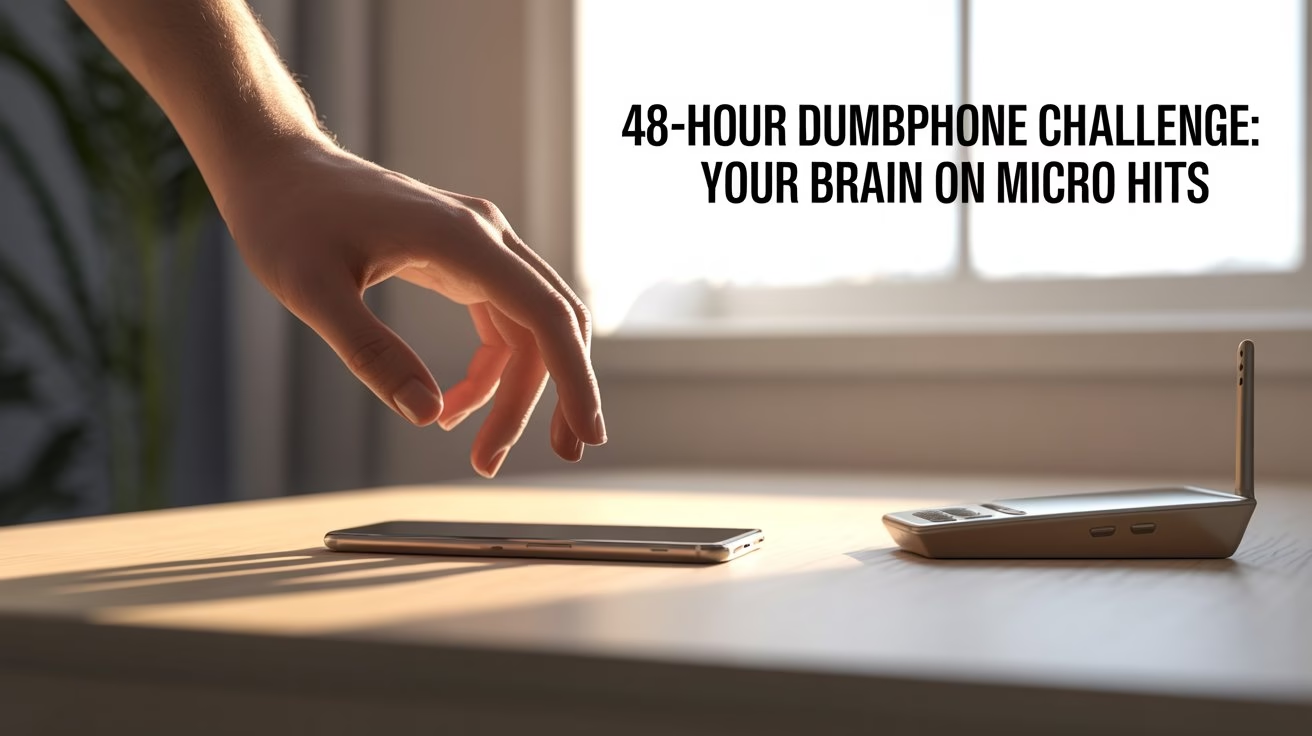
A short reset like the 48-hour dumbphone challenge helps break micro hits quickly while keeping calls and texts available.
More practical habits like this live on The Digital Priyanka, and you can find similar everyday tech routines inside the e-Lifestyle category.
What Causes Late-Night Scrolling?
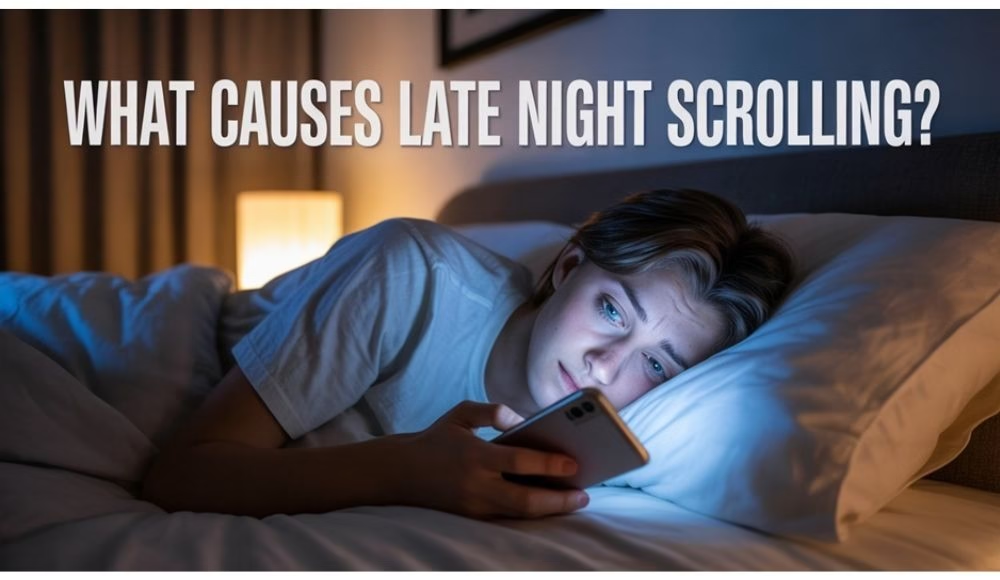
Late-night scrolling usually begins as a small “check.” However, apps remove natural stopping points, so your brain keeps chasing the next video, the next message, or the next deal. Also, nights often feel like the only quiet time in the day, so scrolling turns into your personal space.
Common triggers show up repeatedly:
- You crave comfort after stress, so you reach for something easy.
- You want “me time,” so sleep becomes the trade-off.
- You fear missing updates, so you keep checking.
- You feel restless, so you keep moving your thumb.
So, the fix is not shame. Instead, you build tiny friction and a calmer replacement.
What Screens Do to Sleep
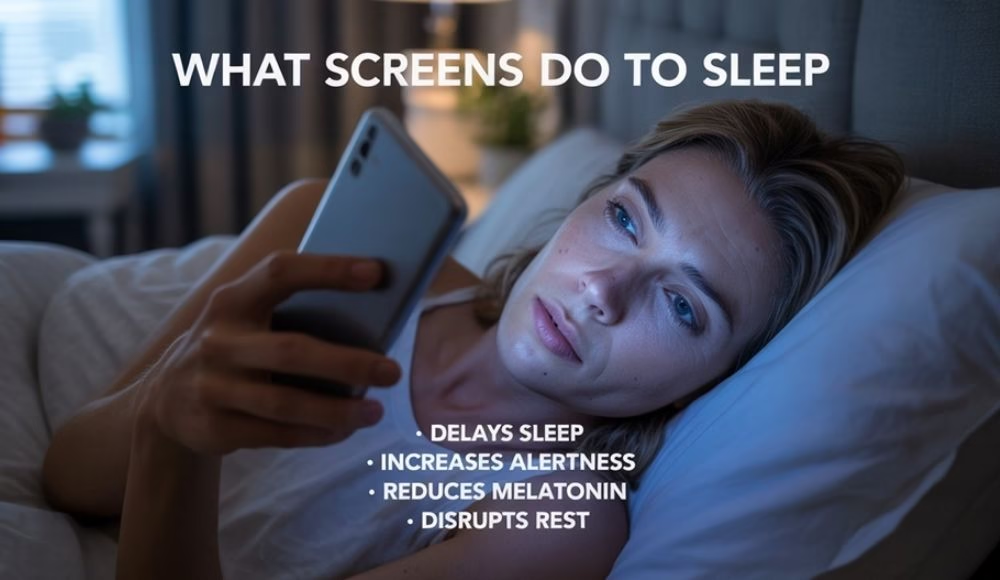
Two things keep you awake: light and stimulation. Bright light close to your eyes can delay the body’s sleep signals, and exciting content keeps the mind alert. The CDC recommends turning off devices before bed in its guide on healthy sleep habits.
Furthermore, blue light deserves attention because it can affect melatonin timing. Harvard Health explains how blue light at night can suppress melatonin and shift sleep timing. You can read their overview on blue light and sleep.
Still, you do not need a perfect routine. You need a repeatable routine.
The “Tonight” Reset in 15 Minutes
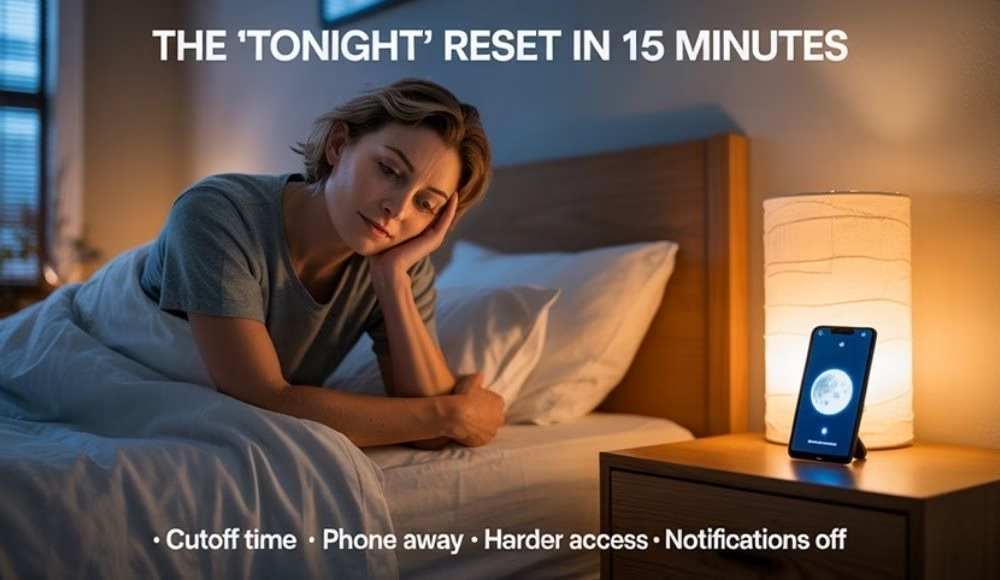
This quick setup helps immediately, because it targets the moment you normally spiral.
- Pick a realistic cutoff:
Choose a screen stop time you can follow most nights. Start with 20 to 30 minutes. Then extend it later.
- Move the phone out of the bed zone:
Keep the phone off the pillow, off the blanket, and out of your hand while you lie down. Even a bedside table helps, although one across the room works better.
- Make your worst app harder to open:
Remove it from your home screen. Also, log out once. That extra step creates a pause.
- Decide what stays allowed:
Keep calls and important messages. Remove social, shopping, and news notifications.
Finally, add a replacement that feels good. A short chapter, skincare, a warm shower, or five minutes of stretching works well.
If you like tracking sleep changes, your wearable can help you notice patterns without guessing. This guide on the Fitbit Charge 6 and other options pairs well with this plan.
How Do I Stop Scrolling Late at Night When My Brain Feels Busy?
Busy brains need closure. Therefore, give your mind a landing, so it stops searching for stimulation.
Try this two-step routine:
- Write three lines: “What’s on my mind,” “What I can control,” and “My first small action tomorrow.”
- Then shift into body calm: slow breathing, a warm drink, or a light stretch.
This works because you move from open loops to closed loops. As a result, your brain stops pushing you toward the phone for relief.
A 7-Day Sleep Reset Plan
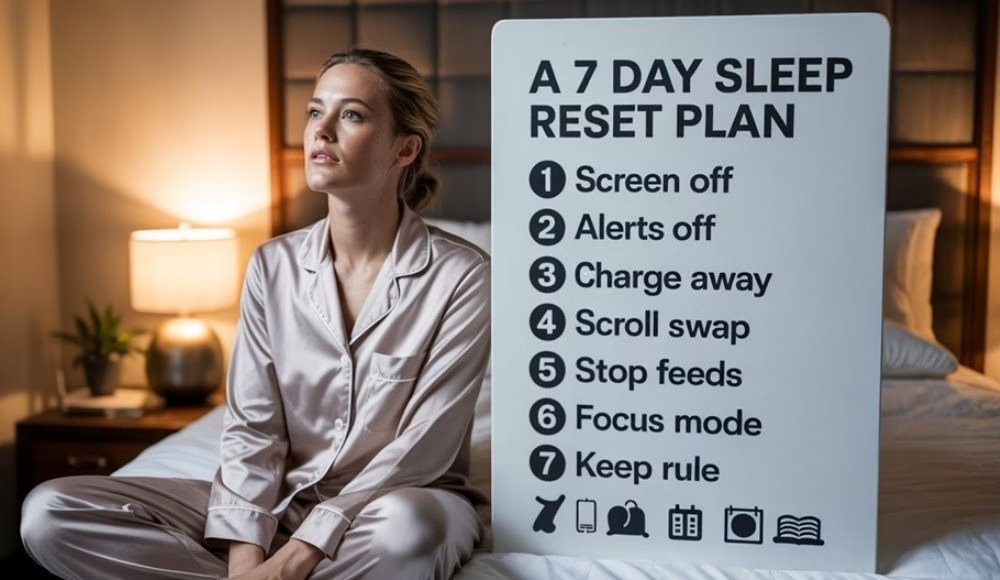
Simple steps make this 7-day sleep reset plan work. Each day takes minutes, not hours. Start small, repeat what feels doable, and let progress stack up. Busy days still count, so perfection does not matter here.
Day 1: Protect the last 20 minutes
Aim for one small win. Consistency matters more than ambition.
Day 2: Silence noise, keep humans
Turn off non-essential notifications. Keep VIP contacts and alarms.
Day 3: Change the charging spot
Charge your phone outside the bedroom, or at least out of reach.
Day 4: Replace one scroll session
Swap your most common scroll time with a calm habit you enjoy.
Day 5: Close “intense content” earlier
Stop news, debates, and shopping feeds earlier in the evening, because they spike alertness.
Day 6: Use settings that protect sleep
Turn on Focus mode, set evening grayscale, and reduce brightness earlier.
Day 7: Keep one rule for a month
Pick the easiest rule that helped and keep it daily.
If sleep data motivates you, a ring can make improvements feel real. This post on the smart ring trend explains why many people prefer subtle tracking.
The 10-3-2-1 Rule for Sleep, Made Practical
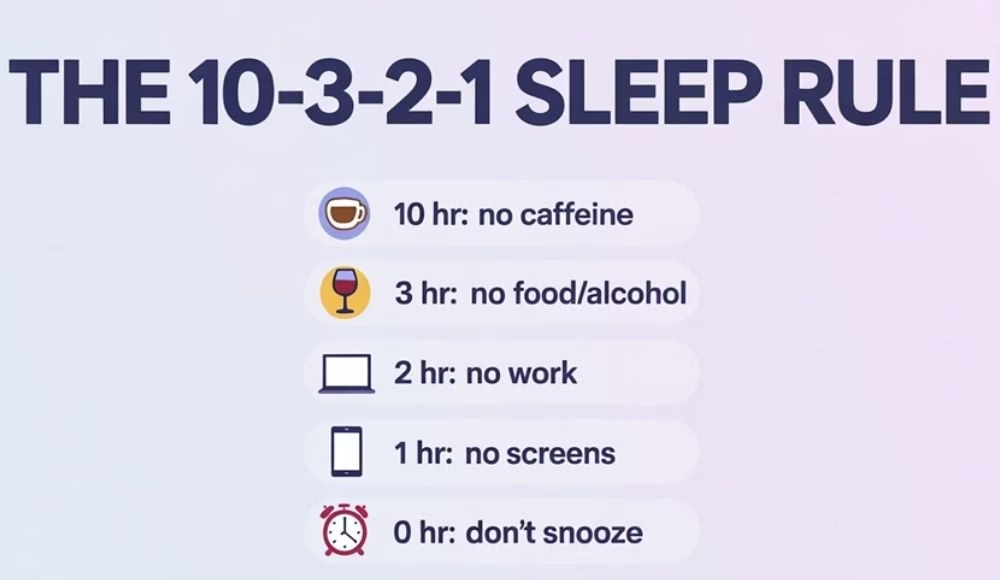
You may have seen the 10-3-2-1 rule. People like it because it removes decision fatigue.
A simple version looks like this:
- 10 hours before bed: stop caffeine.
- 3 hours before bed: stop heavy food and alcohol.
- 2 hours before bed: stop work and intense tasks.
- 1 hour before bed: stop screens.
- 0: avoid snooze.
However, trying all steps at once can backfire. Instead, start with the “1 hour” screen step for a week, then adjust the others gradually.
For additional sleep hygiene basics, this overview from the NHS on sleep problems is easy to follow, and the Mayo Clinic sleep tips offer practical reminders.
Phone Settings for a Scroll-Free Bedtime
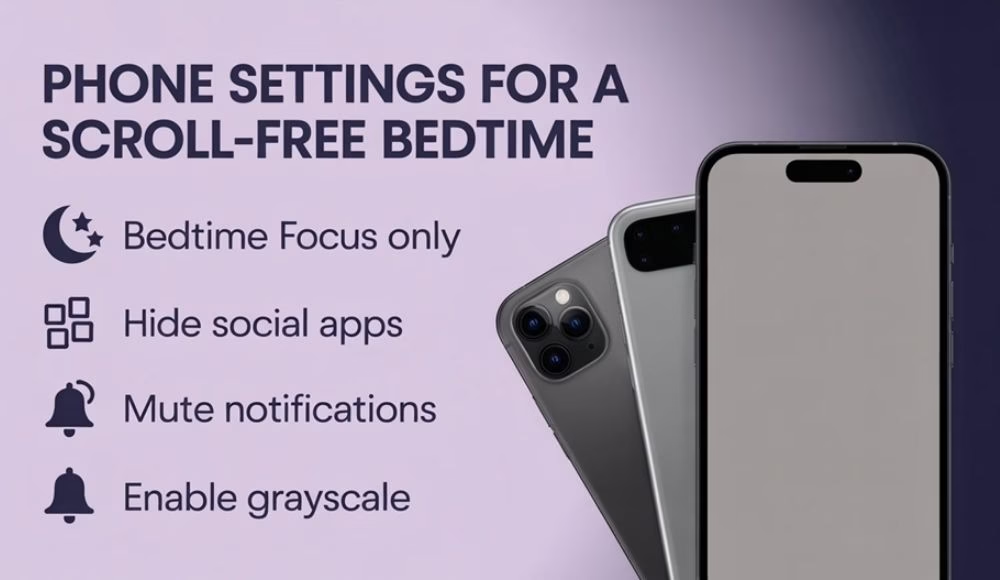
You can stay reachable while cutting the feed loop.
Try this setup:
- Turn on a bedtime focus mode and allow only calls and VIP messages.
- Remove social apps from your home screen. Put them in a folder on the last page.
- Turn off shopping and social push notifications.
- Set evening grayscale. Colors lose their pull, so scrolling feels less “sticky.”
SleepFoundation also explains how screen use can interfere with sleep and offers practical suggestions. Their guide on screens and sleep is worth reading.
Is Doomscrolling an ADHD Thing?
Doomscrolling means consuming a steady stream of negative or stressful content online, even when it makes you feel worse. It often shows up as news hopping, crisis updates, angry comment threads, or alarming videos that keep pulling you in late at night.
People ask this a lot, so here is a balanced answer. Some people with ADHD experience impulse control challenges, time blindness, and attention regulation issues, which can make stopping a scroll loop harder, especially at night. Still, doomscrolling can happen to anyone during stress or anxiety.
If worry feels constant or sleep stays disrupted for weeks, support can help. The National Institute of Mental Health’s overview of anxiety disorders explains signs, symptoms, and when it makes sense to reach out. Research has also examined doomscrolling as a measurable behavior, including a PubMed paper on doomscrolling and psychological distress.
The “Keep Your Phone, Keep Your Peace” Bedtime Routine
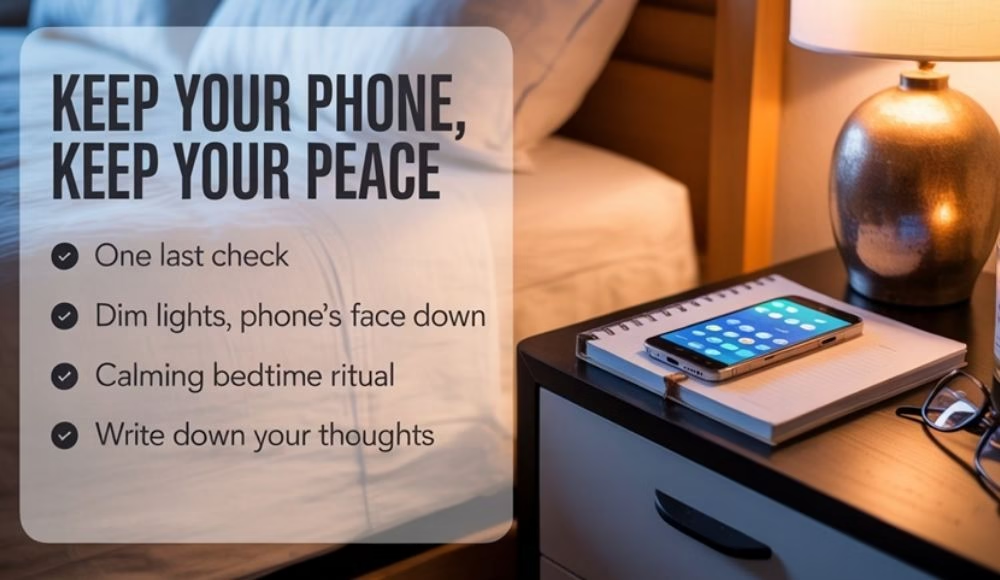
This routine feels realistic because it protects your sleep without isolating you.
- One last check window: Give yourself a planned 10-minute check earlier, then stop. Planned checks reduce compulsive checks.
- Bedroom cues: Dim lights. Put the phone face down. Keep a book or notebook visible.
- One calming anchor: Choose one action that signals sleep: skincare, a shower, a short prayer, a page of reading, or a gratitude line.
- A soft landing for thoughts: If your mind races, write the worry, write the action, then close the notebook.
Meanwhile, keep mornings kind. When you wake, avoid grabbing the phone immediately. Even five minutes of quiet helps.
Make Your Bedroom a Sleep Cue, Not a Feed Cue
Your environment shapes behavior. Therefore, a few tiny changes can reduce the urge to scroll even when you feel tired.
Place the charger away from the bed, and put a book or notebook where your phone usually rests. Also, dim the lights earlier, because bright lighting can signal “stay awake.” SleepEducation from the American Academy of Sleep Medicine also shares a simple bedtime checklist worth copying, especially if you want a quick routine that feels doable: healthy sleep habits.
These small cues help your brain connect the bed with rest, so the feed feels less magnetic right away.
Weekend Mini Detox That Still Feels Social
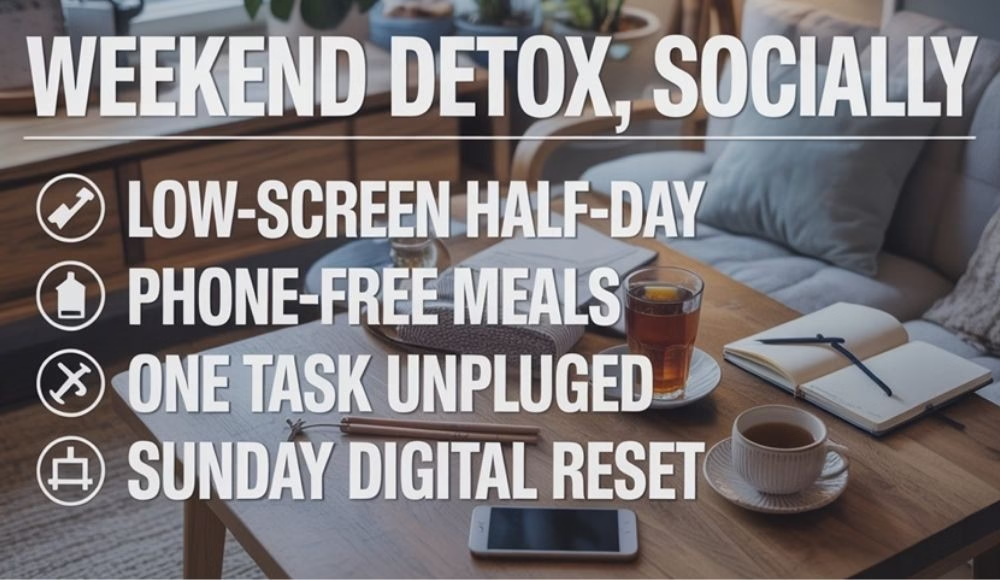
Weekends often break routines. So, try a lighter version that still protects sleep.
- Pick one half day as “low screen.” Keep maps and a camera allowed.
- Make meals phone-free. Talk, taste, and slow down.
- Put the phone in another room during one task, like cooking or cleaning.
- Do a Sunday reset: close tabs, delete unused apps, and set your bedtime Focus for the week.
If you enjoy tech content, you can browse the Technology section for more practical guides. If playful tech keeps tempting you at night, save it for daytime reading, like this post on the EMO desktop pet robot.
What To Do When You Slip
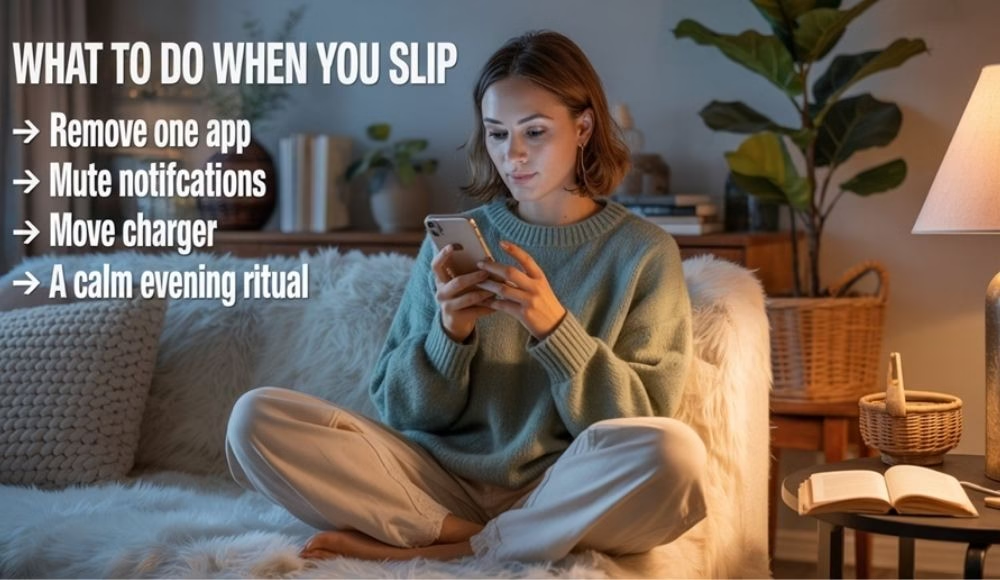
Slips happen. Therefore, the goal is recovery, not perfection.
Use a simple “reset sentence”: “Tonight was messy, so tomorrow I return to my cutoff.”
Then do one action the next day:
- Move one app off your home screen.
- Turn off one notification category.
- Bring your charger out of the bedroom.
- Plan a calmer evening cue.
Small fixes compound. As a result, your baseline improves, even when life stays busy.
A Calm Close That Sticks
Late-night scrolling does not steal sleep in one dramatic moment. It takes it in tiny bites, night after night. So, start small and stay steady. Set your cutoff, move the phone out of reach, and keep one calming habit ready for the exact moment your thumb wants to scroll.
After a week, you will notice the difference in your mornings. After a month, the urge loses its grip because your brain starts trusting bedtime again. Keep it simple, keep it kind, and let better sleep become the new normal. A calmer night creates a clearer day, and that clarity shows up in focus, mood, and patience. When sleep improves, even busy mornings start to feel lighter and more manageable.
FAQs
1) What causes late-night scrolling the most?
Late-night scrolling often comes from stress relief, boredom, and the need for personal time. Also, infinite scroll removes stopping points. Therefore, quick checks become long sessions without you noticing, especially when you feel emotionally drained.
2) How do I stop scrolling late at night without feeling deprived?
Set a small cutoff, move your phone out of reach, and make your worst app harder to open. Then replace the habit with a calming routine you enjoy. As a result, the brain gets comfort without losing sleep.
3) Does blue light matter if I use night mode?
Night mode helps, yet bright screens can still delay sleep signals. Also, stimulating content keeps the brain alert. So, combine lower brightness with a cutoff and a calm activity, such as reading or stretching.
4) What is the 10 3 2 1 rule for sleep?
Think of it as a simple bedtime countdown. Avoid caffeine during the last 10 hours before sleep. Keep heavy meals and alcohol out of the final 3 hours. Finish work 2 hours before bed. Put screens away for the last hour. Skip snooze to protect your morning energy.
5) Is doomscrolling connected to ADHD?
Some people with ADHD may find doomscrolling harder to stop because impulse control and time awareness can be challenging. However, anyone can doomscroll during stress. If symptoms feel persistent and disruptive, professional support can help.
6) What if my family needs me at night?
Use Focus mode with an allow list for calls and VIP contacts. Block social, shopping, and news apps during your sleep window. Therefore, you stay reachable, while the feed loop stops pulling you back.
7) What is the fastest bedtime habit that makes a big difference?
Move your phone out of reach and keep a fixed cutoff, even if short. Also, remove your worst app from the home screen. These two changes reduce autopilot and help you fall asleep faster.
8) Can wearables help reduce late-night scrolling?
Wearables can help if you treat them as feedback, not pressure. Track bedtime consistency and sleep duration, then connect improvements to your new routine. This makes progress visible, so motivation feels easier.
9) What should I do if I wake up and start scrolling?
Keep the phone away from bed and set a “no scrolling in bed” rule. If you wake, take a sip of water, breathe slowly, and keep the lights dim. Then return to bed without opening apps.
10) How do I stay consistent after the first week?
Pick one rule you can keep daily, like charging outside the bedroom or a 30-minute cutoff. Then review progress weekly. Meanwhile, forgive slips quickly and return to the plan the next night.